Manage your mobile device fleet with greater visibility
Track the latest activity across your SoftPOS devices with new filters and activity data in the Customer Area, making it easier to identify inactive devices and troubleshoot your fleet.
July 2026
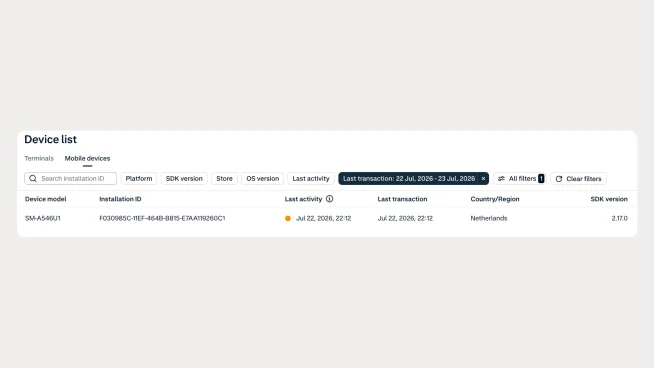
See recent device activity
The Payment devices > Mobile devices page in the Customer Area now includes Last activity and Last transaction columns and filters. These additions give you a clearer view of your SoftPOS device fleet and help you quickly identify inactive or stale device installations.
Improve fleet management
Keeping your device inventory up to date is essential as your fleet grows. With visibility into each device's most recent activity, you can filter inactive installations, investigate issues faster, and better understand how your mobile devices are being used.
Start using the new filters
The new columns and filters are available automatically in the Mobile devices page of the Customer Area. No action is required. Simply use the new activity filters to monitor your device fleet and troubleshoot more efficiently.
Latest updates
 In-person payments
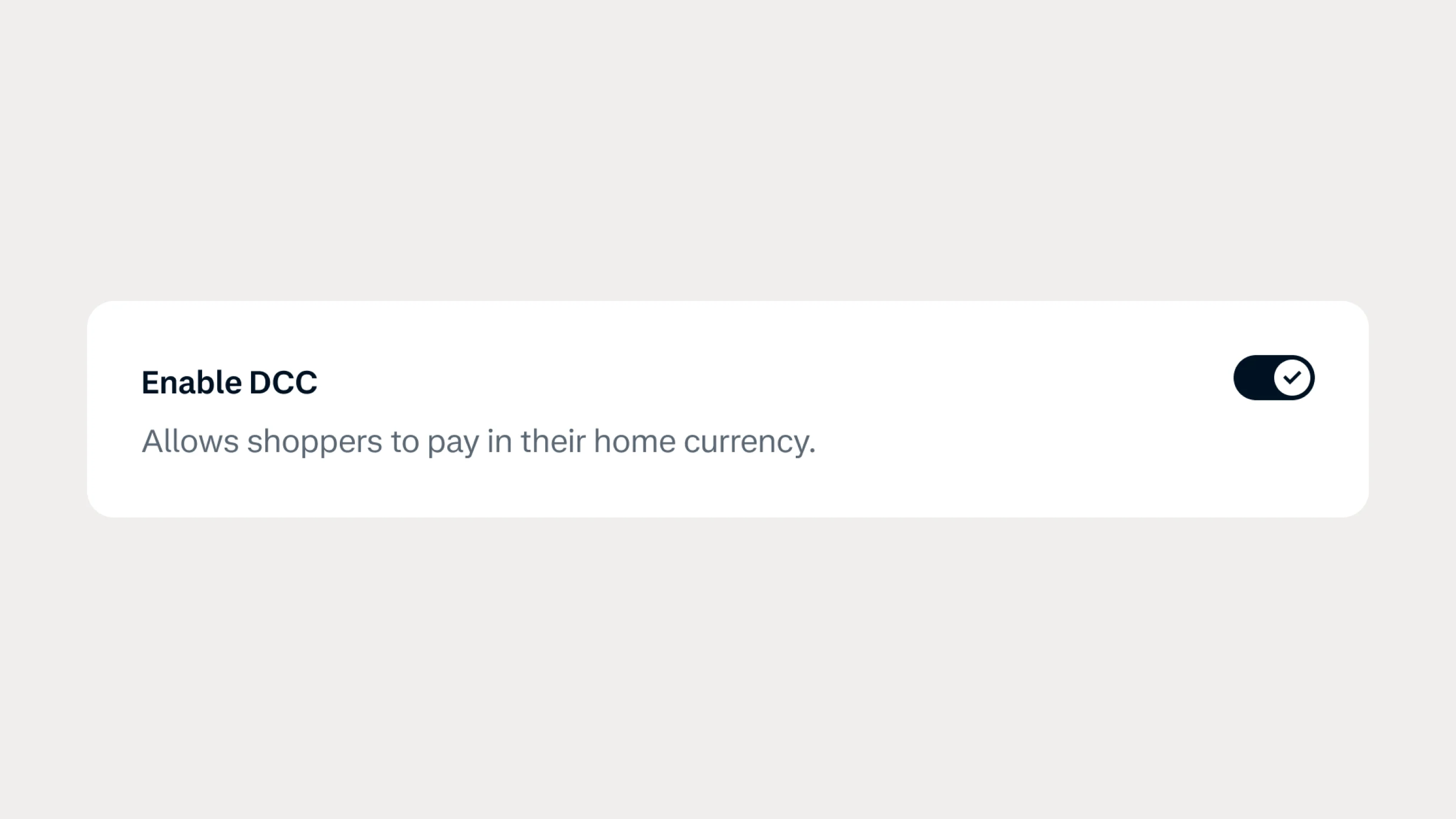
Enable Dynamic Currency Conversion yourself with new self-service controls
Turn on and configure Dynamic Currency Conversion directly in the Customer Area or Management API, without contacting Support.
 Protect
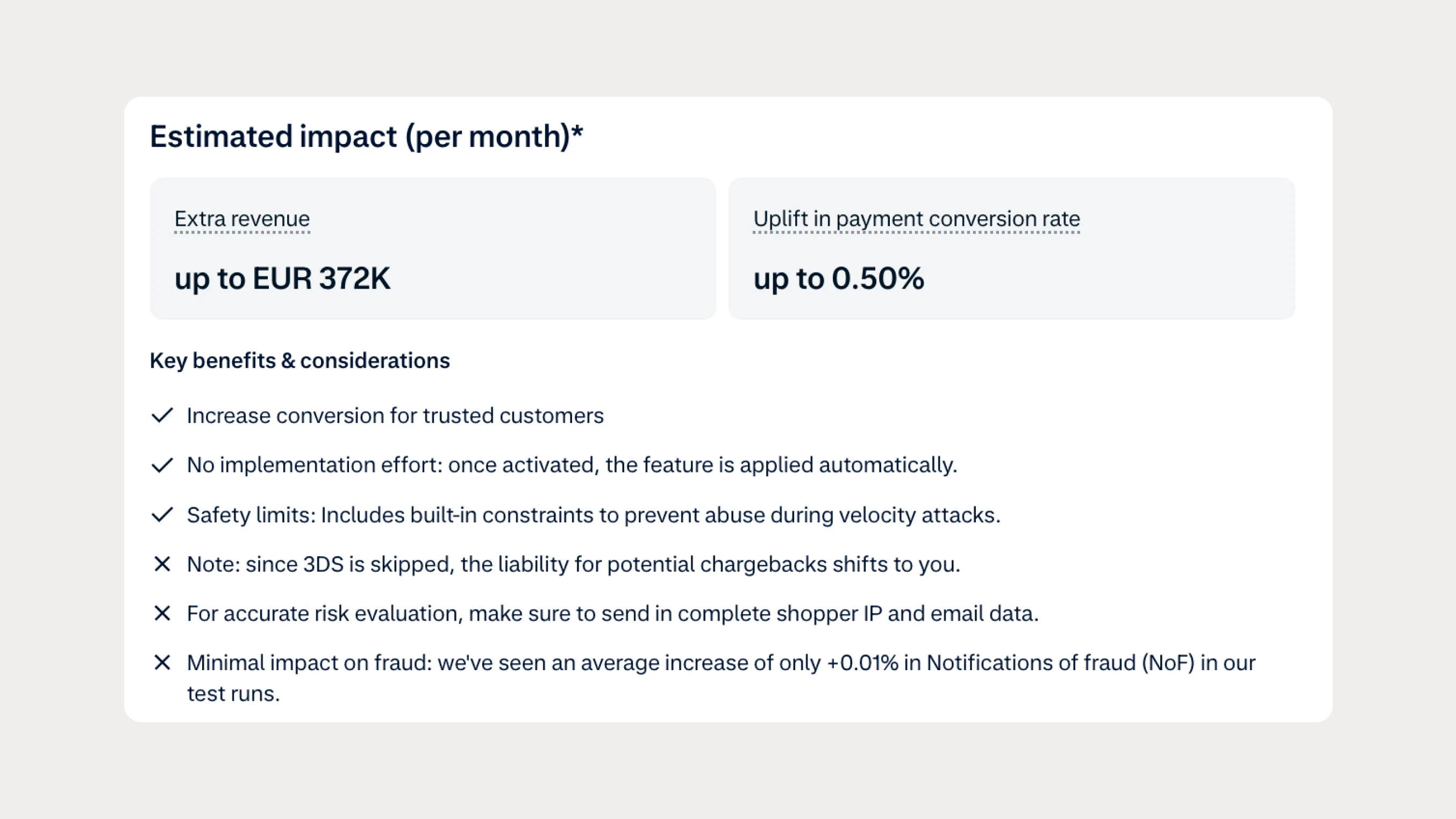
Reduce friction for trusted shoppers with Risk Based Exemptions
Reduce unnecessary authentication for trusted shoppers by using machine learning to identify low-risk transactions and request authentication exemptions where supported.