Enable Dynamic Currency Conversion yourself with new self-service controls
Turn on and configure Dynamic Currency Conversion directly in the Customer Area or Management API, without contacting Support.
August 2026
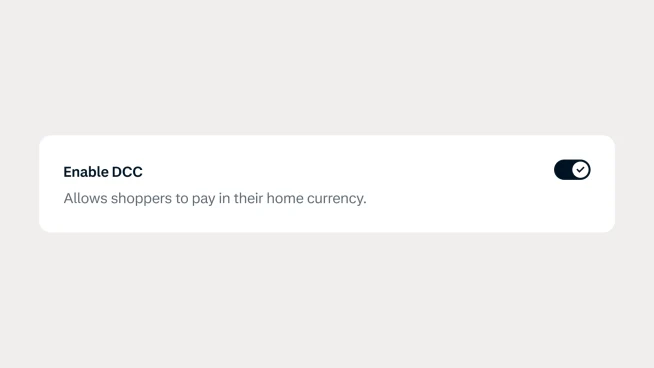
Enable Dynamic Currency Conversion on your own
You can now enable and manage Dynamic Currency Conversion (DCC) yourself through the Customer Area or Management API. Instead of relying on Support to activate DCC, you have full control over when you enable the feature and how quickly you start offering it on your payment terminals.
Manage DCC with greater flexibility
Dynamic Currency Conversion lets eligible international shoppers view and pay in their home currency at checkout. With self-service configuration, you can activate DCC when it fits your business and manage your setup independently. This gives you a faster path to adopting DCC while keeping configuration within your own workflows.
Get started with self-service DCC
To enable DCC, you'll first need a DCC commercial agreement with Adyen and a configured markup. Once that's in place, you can enable DCC through the Customer Area or Management API. Before activating the feature, make sure you understand and accept the DCC receipt requirements and compliance obligations outlined in our documentation.
Latest updates
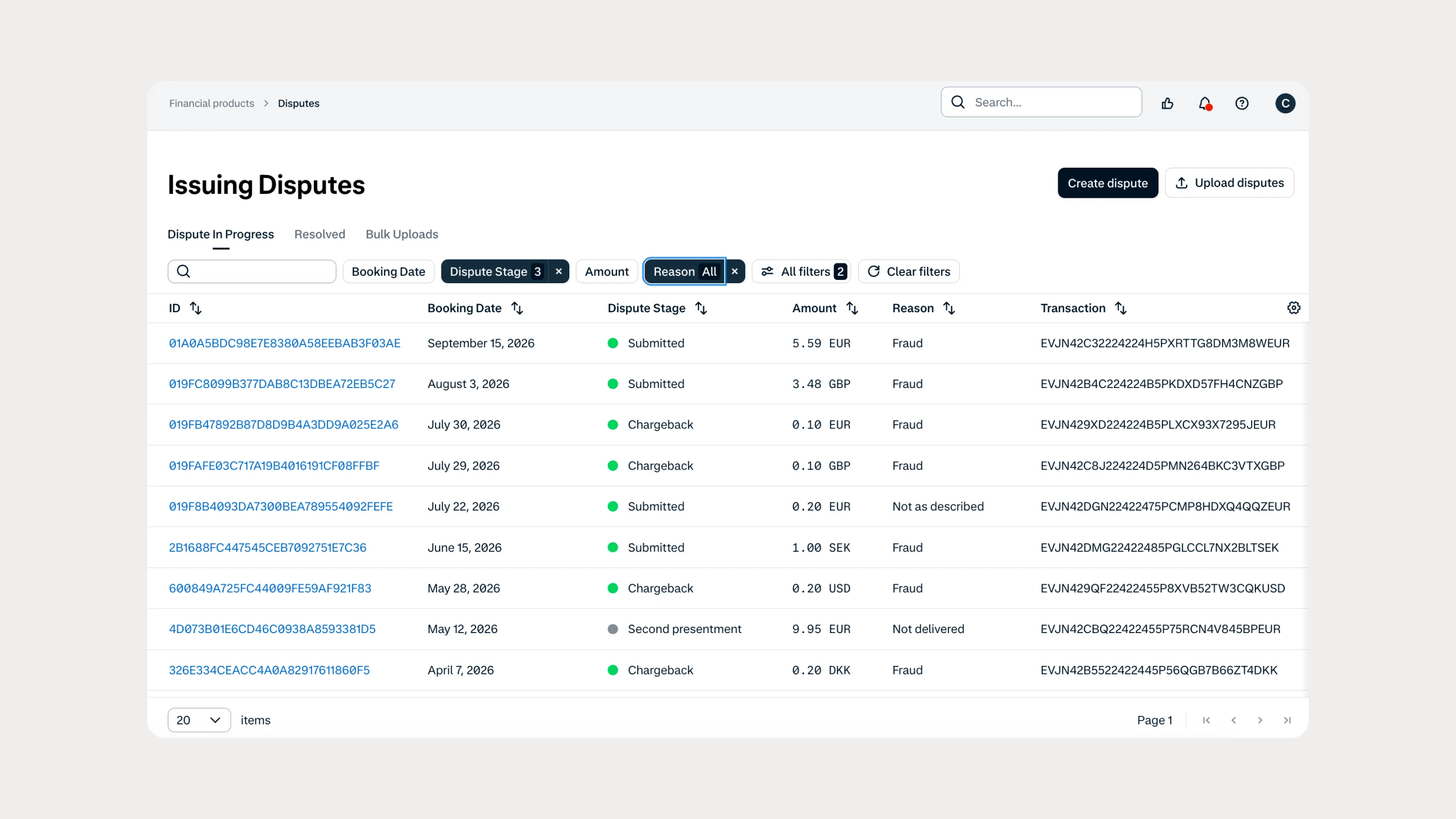 Financial products
Manage Issuing disputes directly in your Customer Area
Issuing customers can now submit and manage disputes directly in Customer Area, with two new dispute reason codes available through both the UI and API.
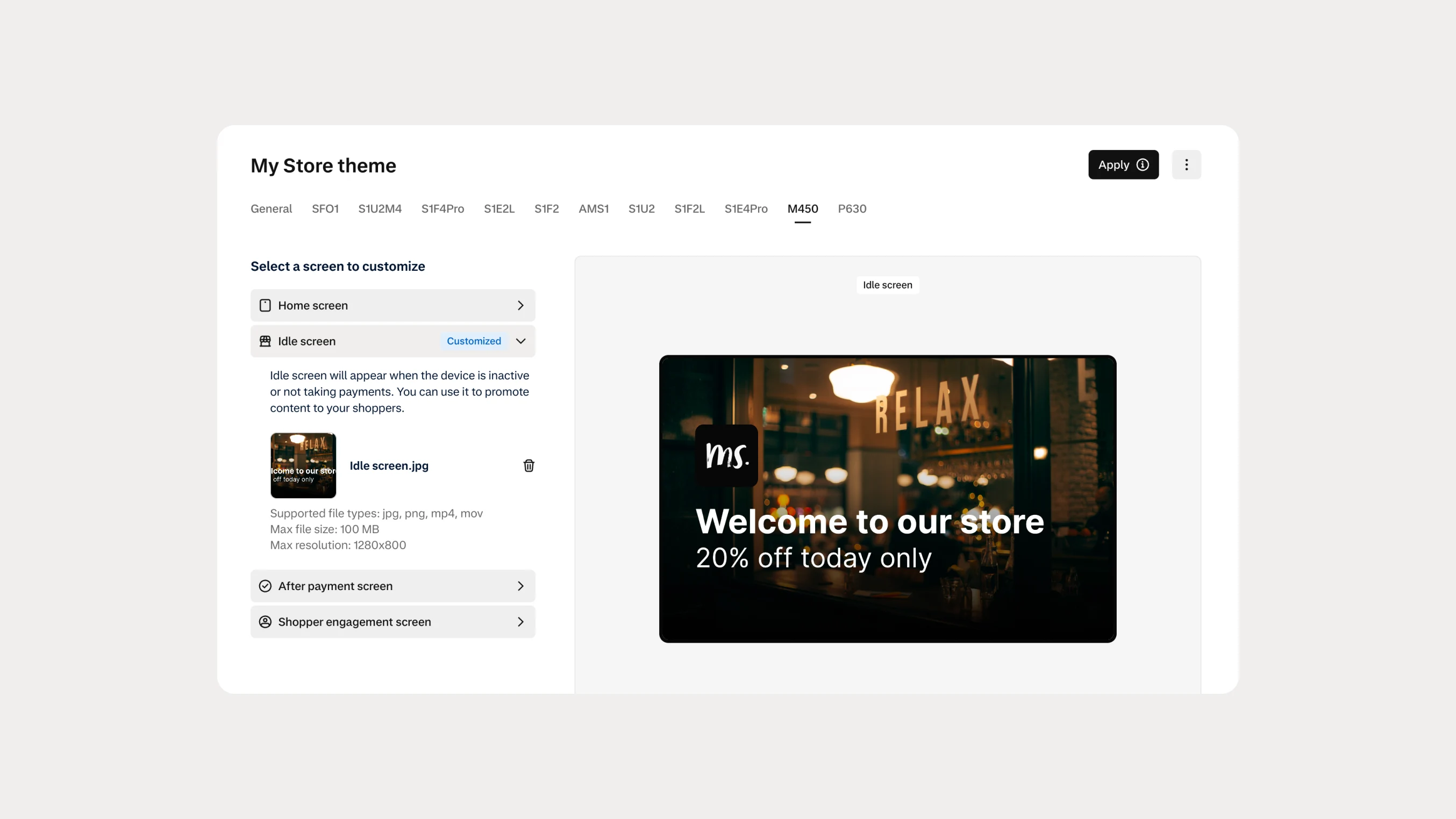 In-person payments
Automate Android terminal branding with Theme Management APIs
You can now use Theme Management APIs to automate branding and screen customization on Android payment terminals. Manage themes across company accounts, merchant accounts, stores, and individual terminals.