Manage Issuing disputes directly in your Customer Area
Issuing customers can now submit and manage disputes directly in Customer Area, with two new dispute reason codes available through both the UI and API.
October 2026
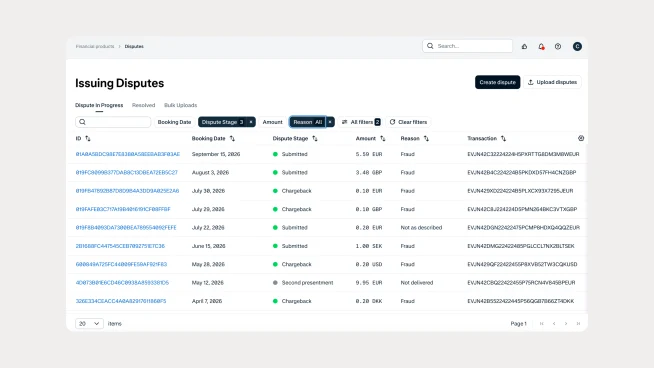
Handle more disputes without Support
You can now submit and manage disputes for "Cancelled" and "Not as Described" directly in Customer Area, alongside existing "Fraud," "Duplicate," and "Not Delivered" reason codes. This gives your teams more control over the dispute process and reduces back-and-forth with Adyen Support.
Choose how you manage disputes
The new Dispute UI lets your teams manage Issuing disputes without building an API integration for dispute management. If you prefer to use the API, the new reason codes are also supported there, with the same webhook and reporting capabilities as existing reason codes.
Start managing disputes in Customer Area
To get started, go to Financial Products > Issuing Disputes in Customer Area. You’ll need the "Manage issuing disputes" role to access the Dispute UI. See our documentation for the API fields and requirements.
Latest updates
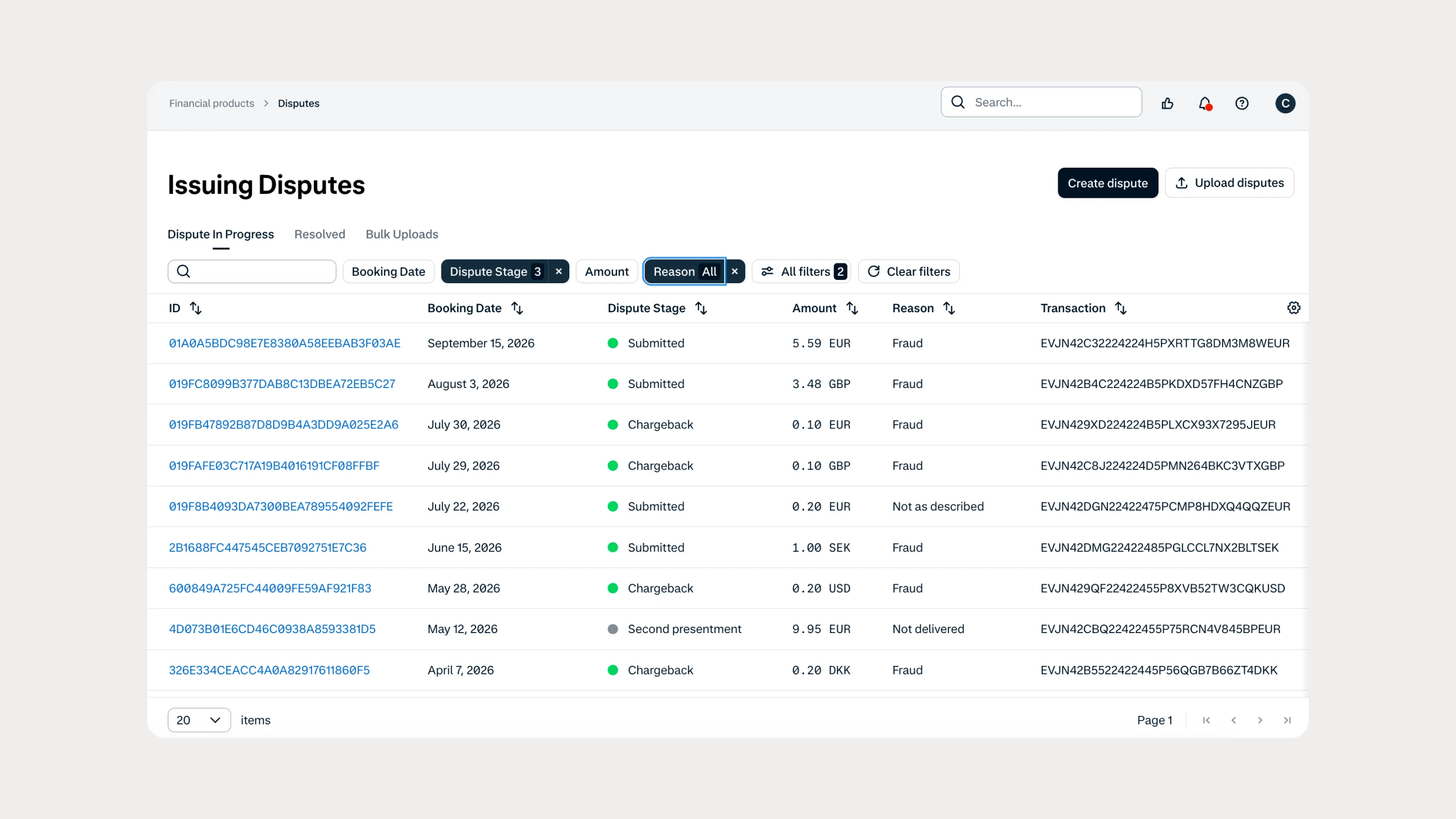 Financial products
Manage Issuing disputes directly in your Customer Area
Issuing customers can now submit and manage disputes directly in Customer Area, with two new dispute reason codes available through both the UI and API.
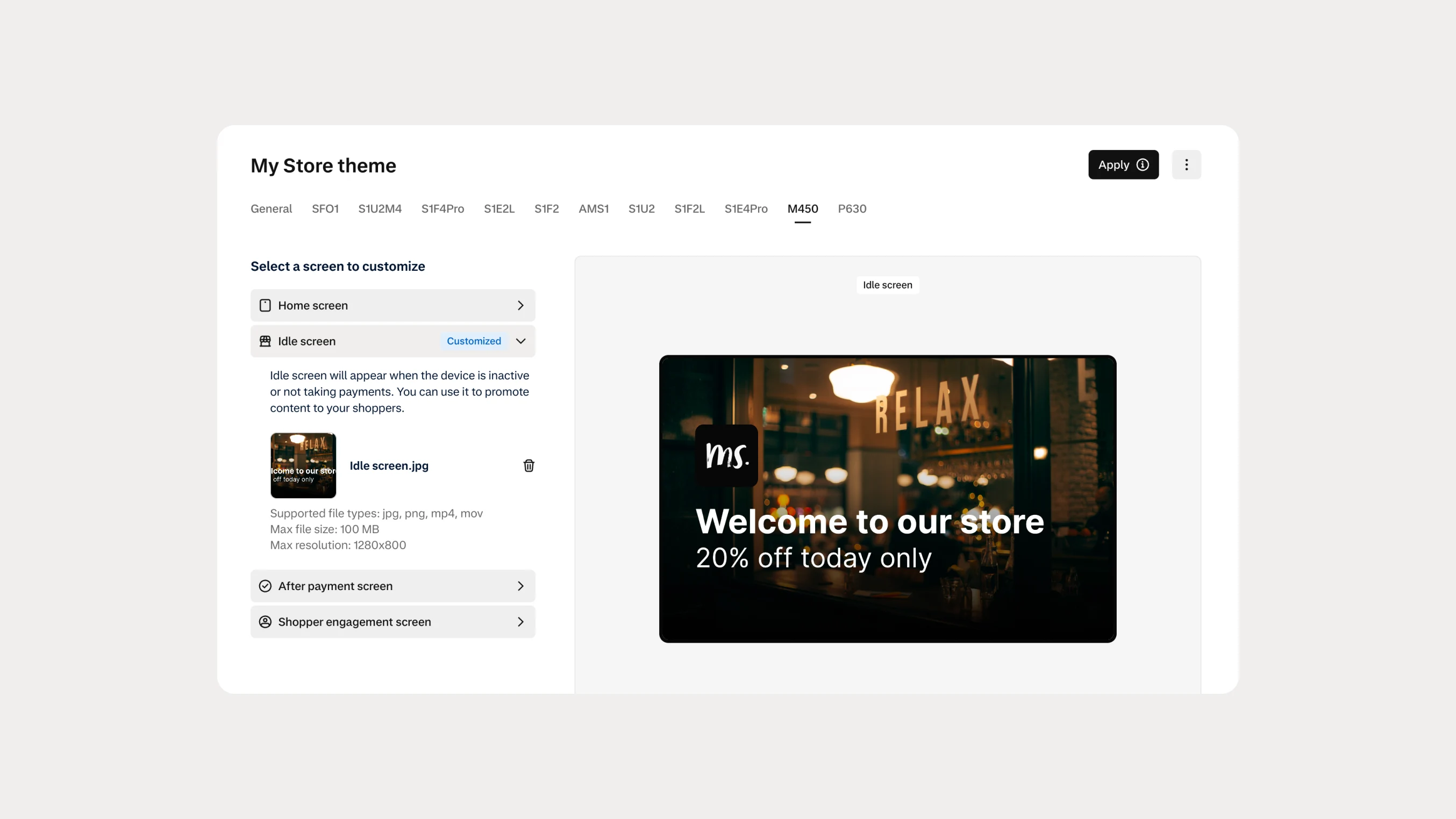 In-person payments
Automate Android terminal branding with Theme Management APIs
You can now use Theme Management APIs to automate branding and screen customization on Android payment terminals. Manage themes across company accounts, merchant accounts, stores, and individual terminals.