Introducing the Disputes Dashboard
Get a clear view of your dispute performance in your Customer Area. Analyze trends, identify root causes, and take action to increase win rates, all in one dashboard.
November 2025

Understand your dispute performance at a glance
We’ve launched the Disputes Dashboard in your Customer Area to give you a complete, visual overview of your dispute performance. This new tool turns complex data into actionable insights, helping your team save time and improve results.
Make data-driven decisions with detailed insights
The dashboard shows your chargeback and Notification of Fraud (NoF) rates and trends. You can now quickly:
Analyze win and loss rates across all disputes
Identify root causes by Issuing Bank and Reason Code
Track trends and measure how your defense strategies perform over time
Start improving your win rates today
You don’t need any technical integration to get started. Simply log in to your Customer Area, then go to Insights > Risk & Disputes > Disputes tab. Explore the data using filters like Defense Method and simplified Dispute Statuses (Won, Lost, Pending, Undefended).
Use these insights to strengthen your defense strategies and boost recovery. For guidance, check out Adyen Docs or reach out to your Adyen Representative.
Latest updates
 Protect
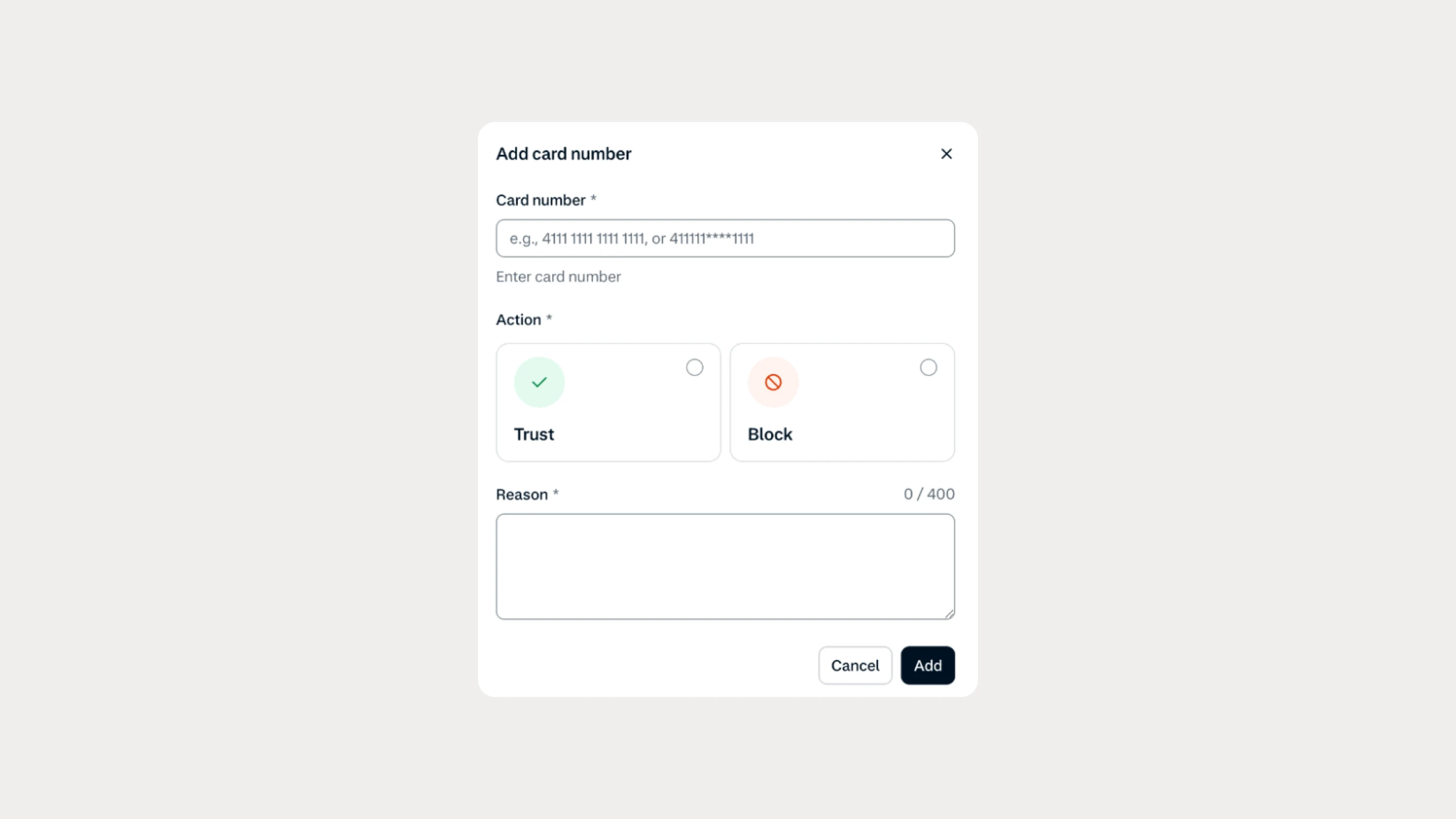
Find and manage risk list entries faster
Manage your risk lists more efficiently with improved search, expanded filters, CSV uploads, and bulk deletion in Customer Area. Investigate blocked transactions faster and handle routine list changes yourself.
 Protect
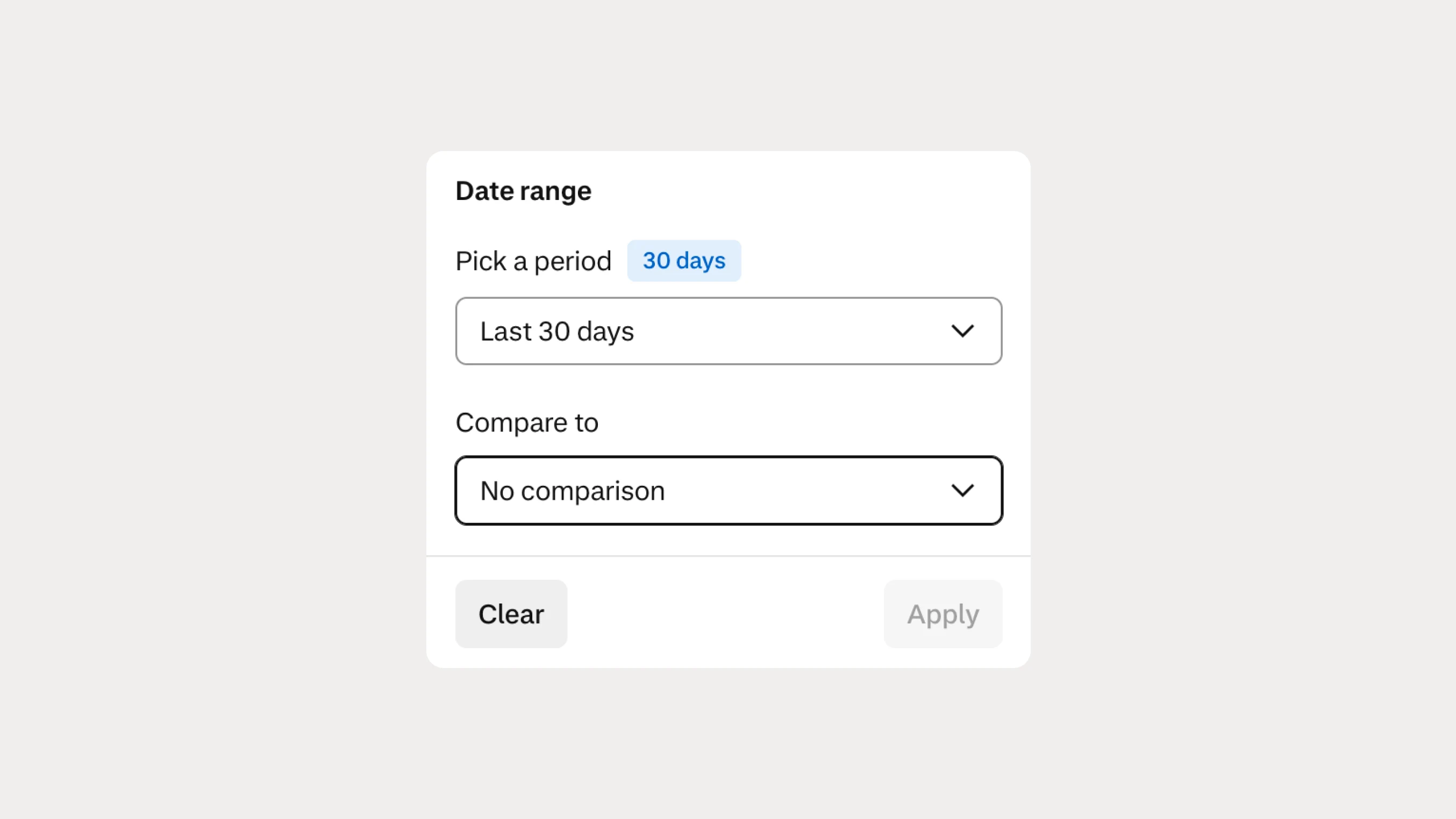
Compare risk and dispute performance across time periods
You can now compare Risk & Disputes analytics across different time periods to identify trends, investigate changes, and make better-informed decisions about your risk operations.