Your payment method view just went global
You can now see all payment methods available for your business type, not just those in your country of operation. Get recommendations based on shopper preferences and add new methods directly in your Customer Area.
November 2025

Discover a global view of payment methods
You can now explore all payment methods available for your business type directly in your Customer Area. Before, your options were limited to your country of operation. This update expands your view, allowing you to see and activate payment methods globally through self-service.
Offer what shoppers prefer, wherever you grow
We’ve added insights to help you make the best choices for your business. You’ll now see recommendations based on what shoppers prefer to use in each market, making it easier to match local payment expectations and increase conversions.
Set up new payment methods in a few clicks
Log in to your Customer Area (Test or Live). Select your merchant account, then go to Settings > Payment methods > Request payment methods. Use the search function to explore all available options and add multiple methods at once to expand your global payment offering.
Latest updates
 Financial products
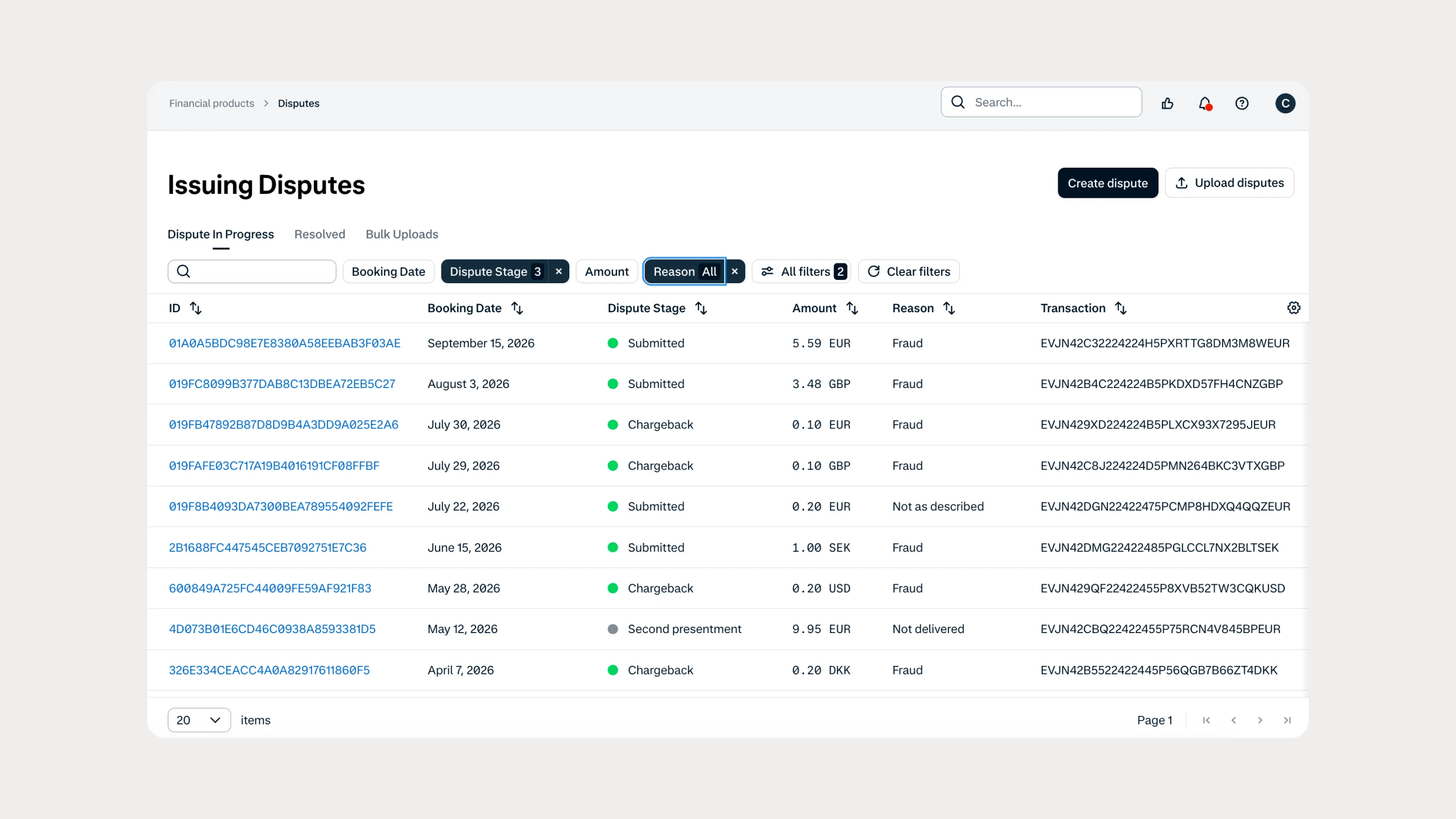
Manage Issuing disputes directly in your Customer Area
Issuing customers can now submit and manage disputes directly in Customer Area, with two new dispute reason codes available through both the UI and API.
 In-person payments
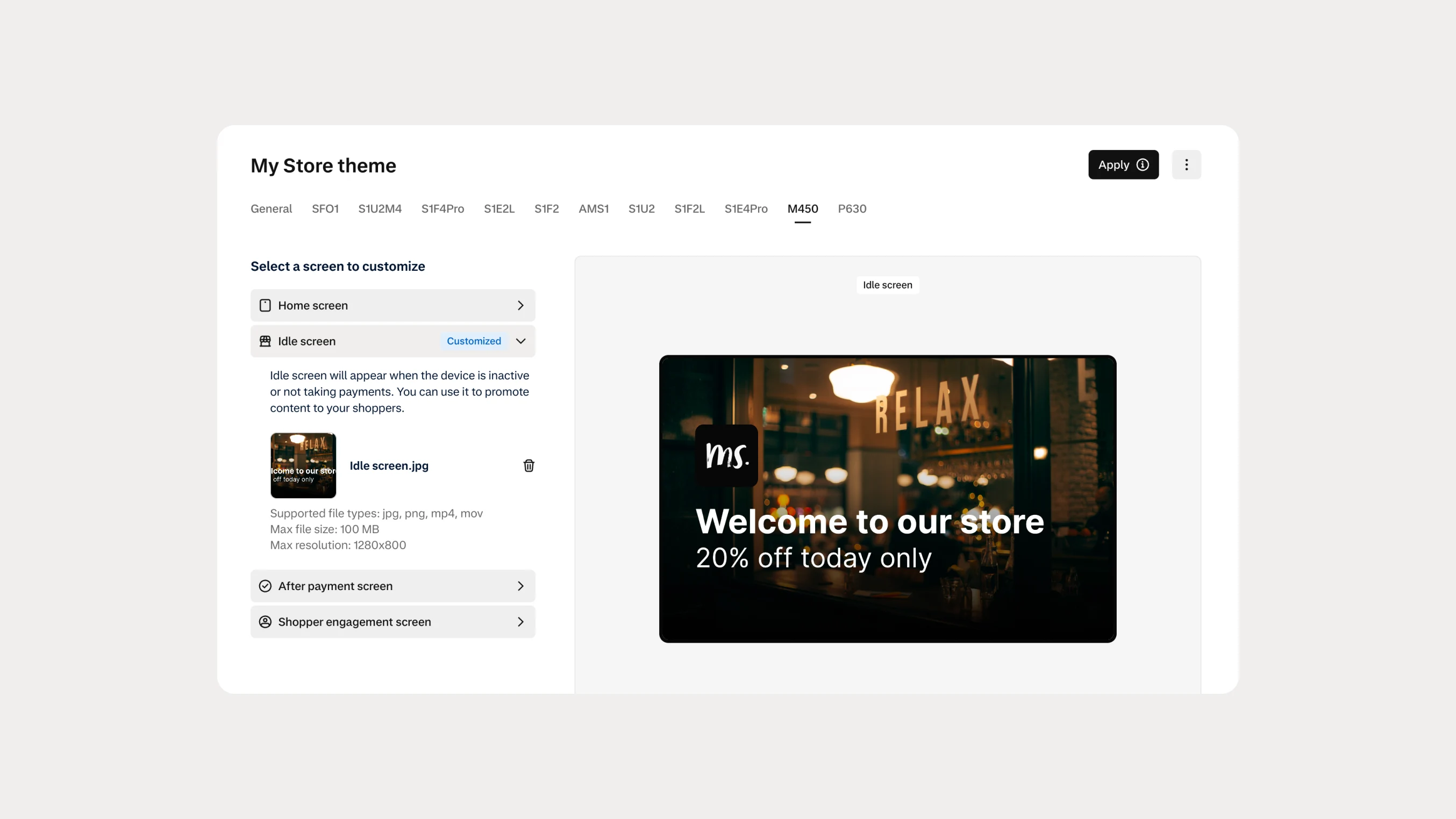
Automate Android terminal branding with Theme Management APIs
You can now use Theme Management APIs to automate branding and screen customization on Android payment terminals. Manage themes across company accounts, merchant accounts, stores, and individual terminals.