Easily manage terminal settings with the new Level switcher
We've added a visual Level switcher to help you quickly navigate between terminal settings across accounts, stores, and devices.
February 2025

Introducing the Level switcher Managing terminal settings is now easier and more intuitive. The new Level switcher in the Customer Area makes Adyen’s inheritance structure clear, helping you understand where settings apply and how they’re passed down. How it works You’ll now see a colored navigation bar on the Terminal settings page. Use it to switch between your platform-level settings, individual stores, and terminals. Apply settings at any level with confidence, knowing exactly how they’ll be inherited. Explore it now The Level switcher is available in your Customer Area today. For a full overview of our inheritance structure and how it works, check out the documentation linked in the component.
Latest updates
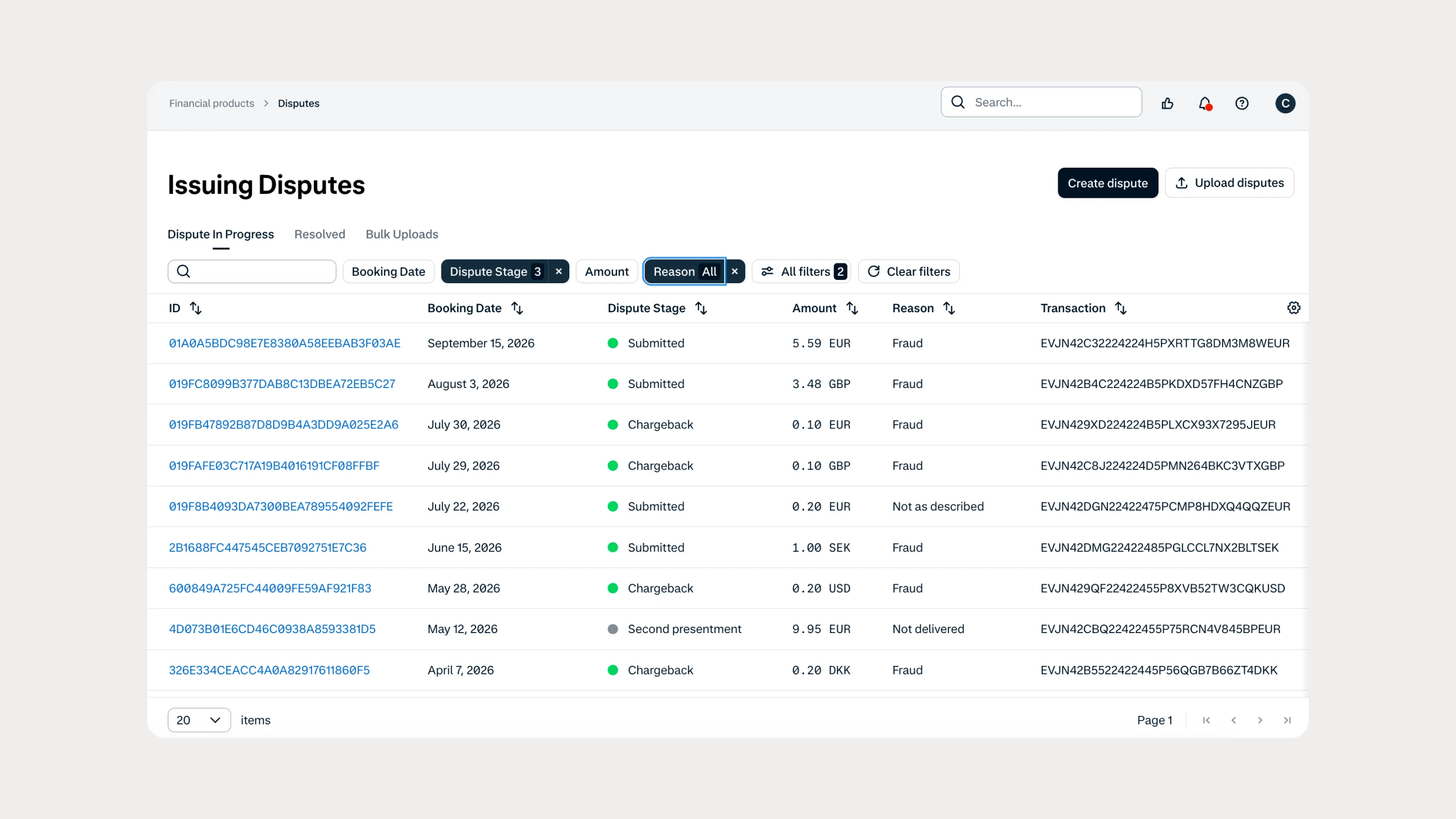 Financial products
Manage Issuing disputes directly in your Customer Area
Issuing customers can now submit and manage disputes directly in Customer Area, with two new dispute reason codes available through both the UI and API.
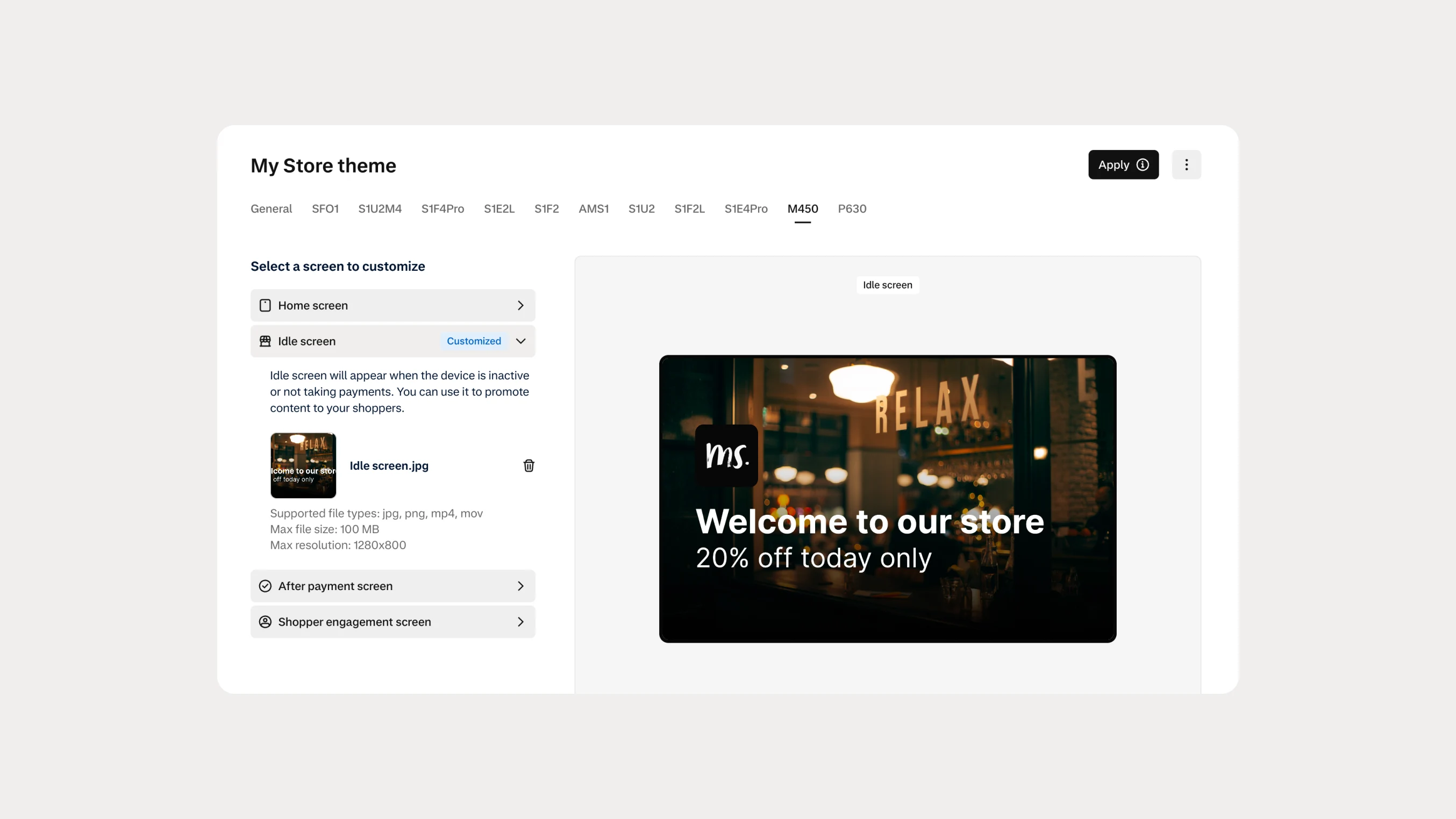 In-person payments
Automate Android terminal branding with Theme Management APIs
You can now use Theme Management APIs to automate branding and screen customization on Android payment terminals. Manage themes across company accounts, merchant accounts, stores, and individual terminals.