Activate AMEX globally via self-service
AMEX can now be activated instantly across all customer types and contract types through self-service in the Customer Area or via the /paymentMethodSettings endpoint.
January 2026

Self-service activation for all contracts
AMEX is now available for immediate activation globally, for all contract types. For Payment Designator, the penny testing process is fully automated, and you can monitor the test status directly from the Payment Methods page. This update reduces time to market and simplifies enabling AMEX on your account.
How to activate AMEX in the Customer Area or via API
To request AMEX via the Customer Area, log in to your account (Test or Live), select your merchant account, then go to Settings > Payment methods > Request payment methods. Use the search function to find and select AMEX. You can also request it via API using the /paymentMethodSettings endpoint. Documentation for API requests is available in the Customer Area.
Switching or updating contracts
If you need to move AMEX between contracts, request the new service level via the Customer Area or API. Confirm that the payment method is set up, then deactivate the old setup. Any inactive payment method is automatically removed after 90 days.
Latest updates
 Financial products
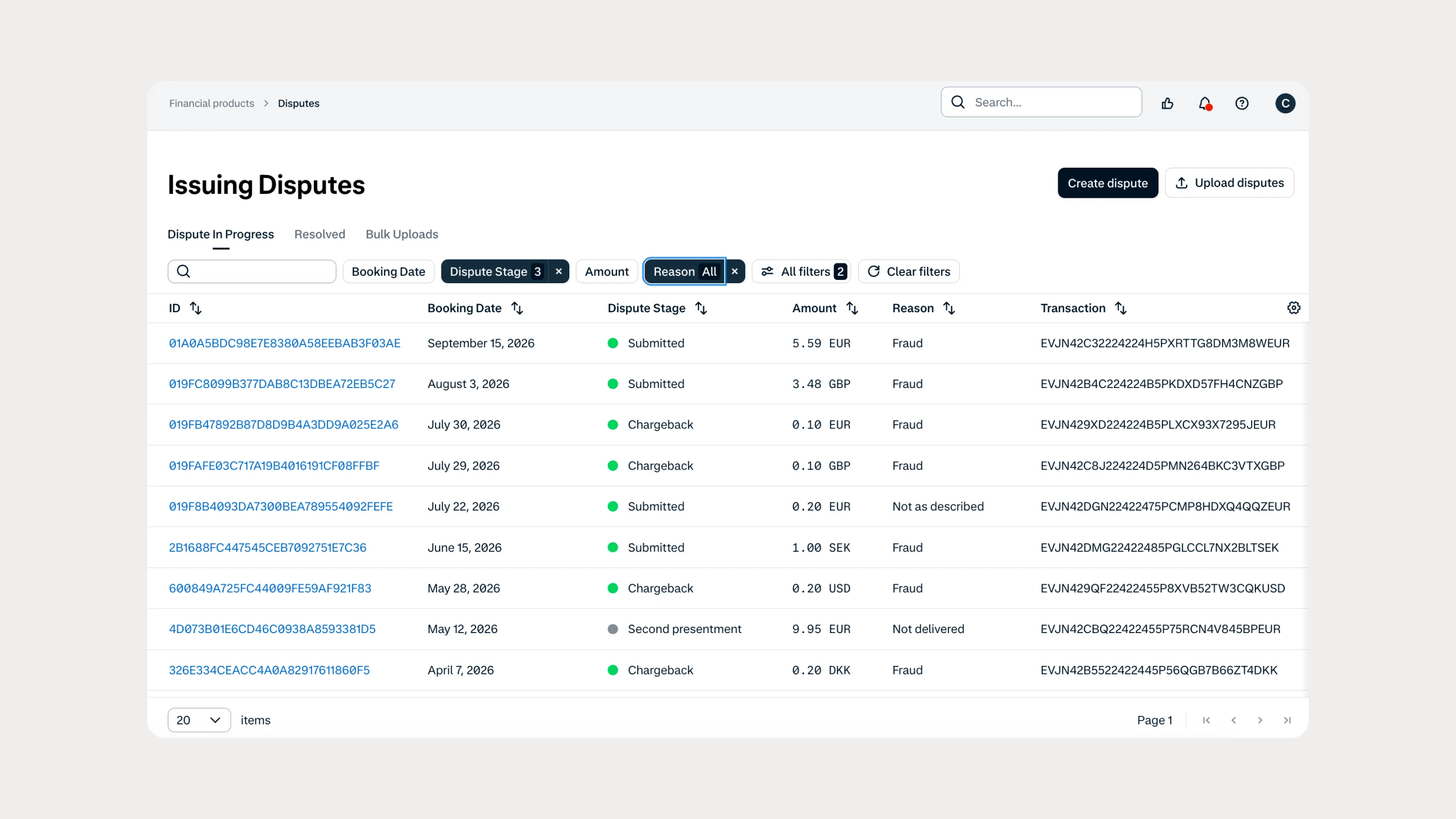
Manage Issuing disputes directly in your Customer Area
Issuing customers can now submit and manage disputes directly in Customer Area, with two new dispute reason codes available through both the UI and API.
 In-person payments
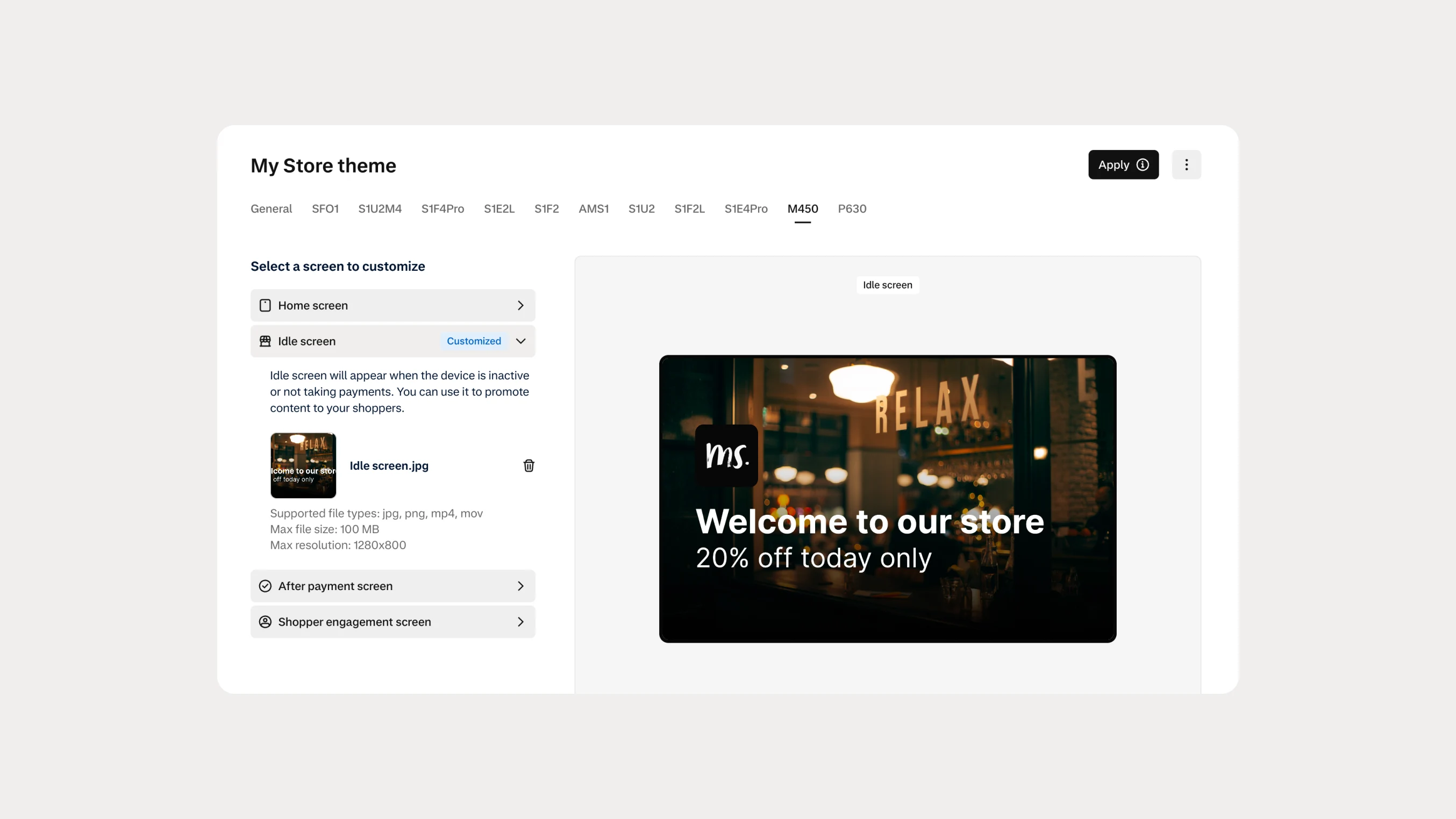
Automate Android terminal branding with Theme Management APIs
You can now use Theme Management APIs to automate branding and screen customization on Android payment terminals. Manage themes across company accounts, merchant accounts, stores, and individual terminals.