View capability status changes with the new audit log for platforms
Stay informed with a clear view of capability changes on the account holder details page in the Customer Area.
September 2025

Audit log now available on the account holder details page
The account holder details page in the Customer Area now includes an audit log. This tab records human user actions to request, enable, or disable a capability, giving you direct visibility into changes that can affect account holder onboarding and payouts.
Identify who made capability changes and why
With multiple teams working in the Customer Area, it wasn’t always clear who made changes to capability statuses. The audit log solves this by showing which user took the action, making it easier to troubleshoot issues such as blocked payouts and decide whether updates need to be reversed.
Enable audit log access through user roles
You can view the audit log tab if you have the “View capabilities audit trail” role. Your admin user can grant you this access, allowing you to see all recent capability changes directly in the Customer Area.
Latest updates
 Financial products
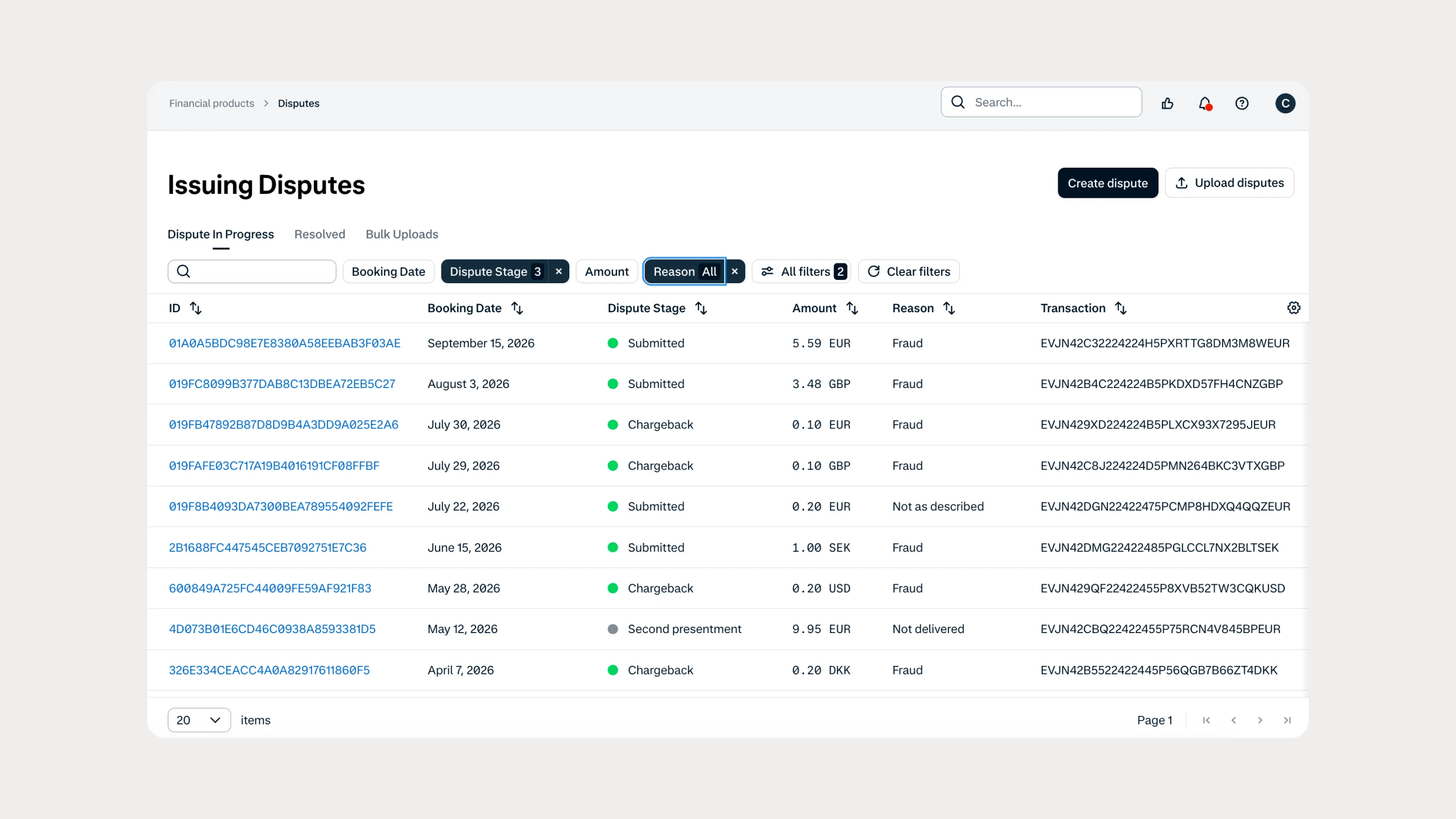
Manage Issuing disputes directly in your Customer Area
Issuing customers can now submit and manage disputes directly in Customer Area, with two new dispute reason codes available through both the UI and API.
 In-person payments
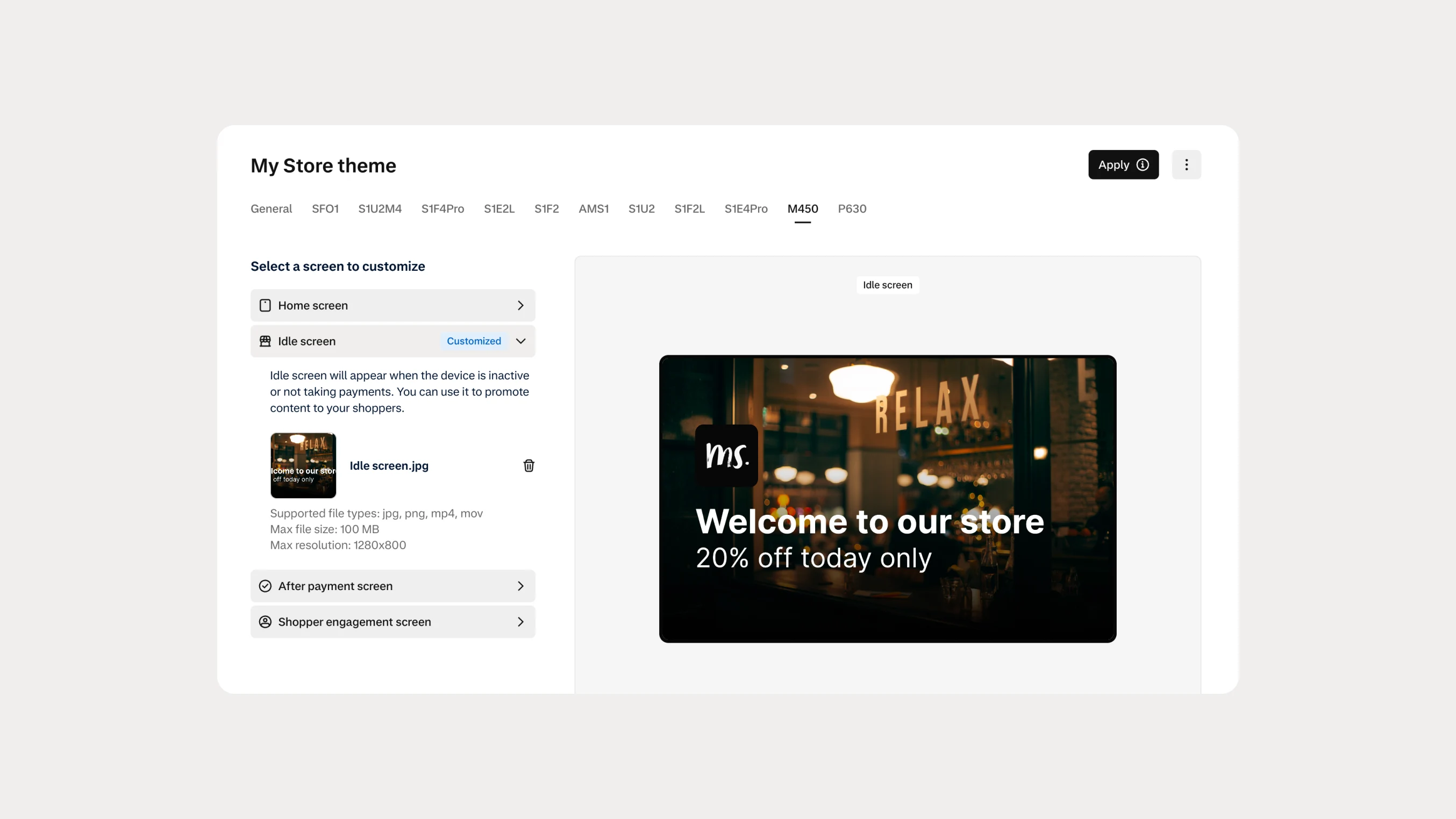
Automate Android terminal branding with Theme Management APIs
You can now use Theme Management APIs to automate branding and screen customization on Android payment terminals. Manage themes across company accounts, merchant accounts, stores, and individual terminals.