More control over surcharge settings
Decide whether to apply surcharges on tips or not. You’re now in full control of how payment fees are passed on to your customers.
March 2025

Put surcharge decisions in your hands
You can now choose whether tips should be included in the surchargeable amount. This gives you the flexibility to configure the payment experience in line with your business needs and local regulations.
What’s surcharge and why it matters
Surcharging lets you pass payment network fees directly to your customers. Instead of factoring these costs into your pricing, you can apply them at checkout which is a common practice in some regions.
How to configure surcharge settings
You can adjust surcharge settings, including the option to exclude tips, through the API or by filing a request with Support. Visit our documentation for step-by-step instructions.
Latest updates
 Financial products
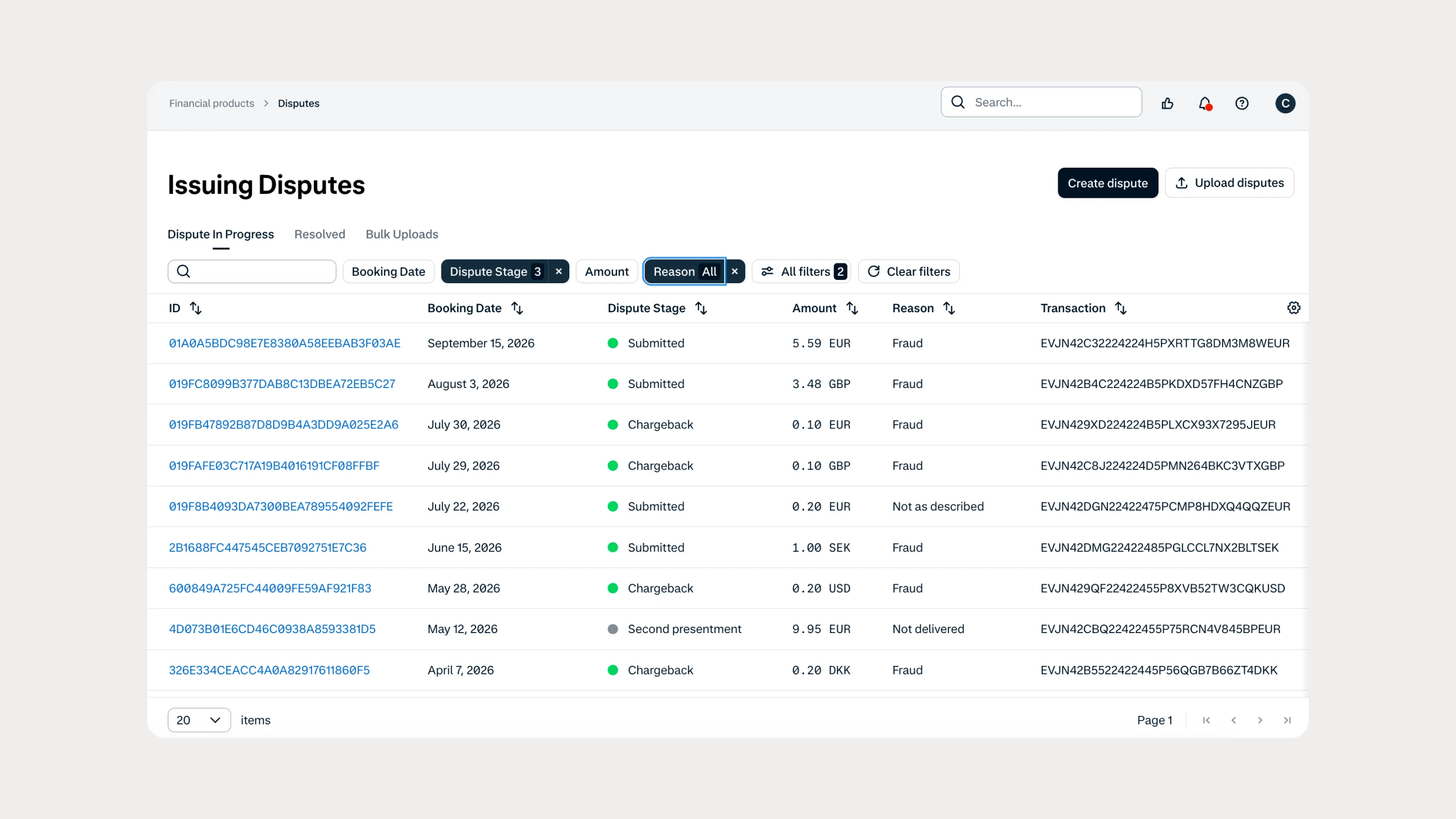
Manage Issuing disputes directly in your Customer Area
Issuing customers can now submit and manage disputes directly in Customer Area, with two new dispute reason codes available through both the UI and API.
 In-person payments
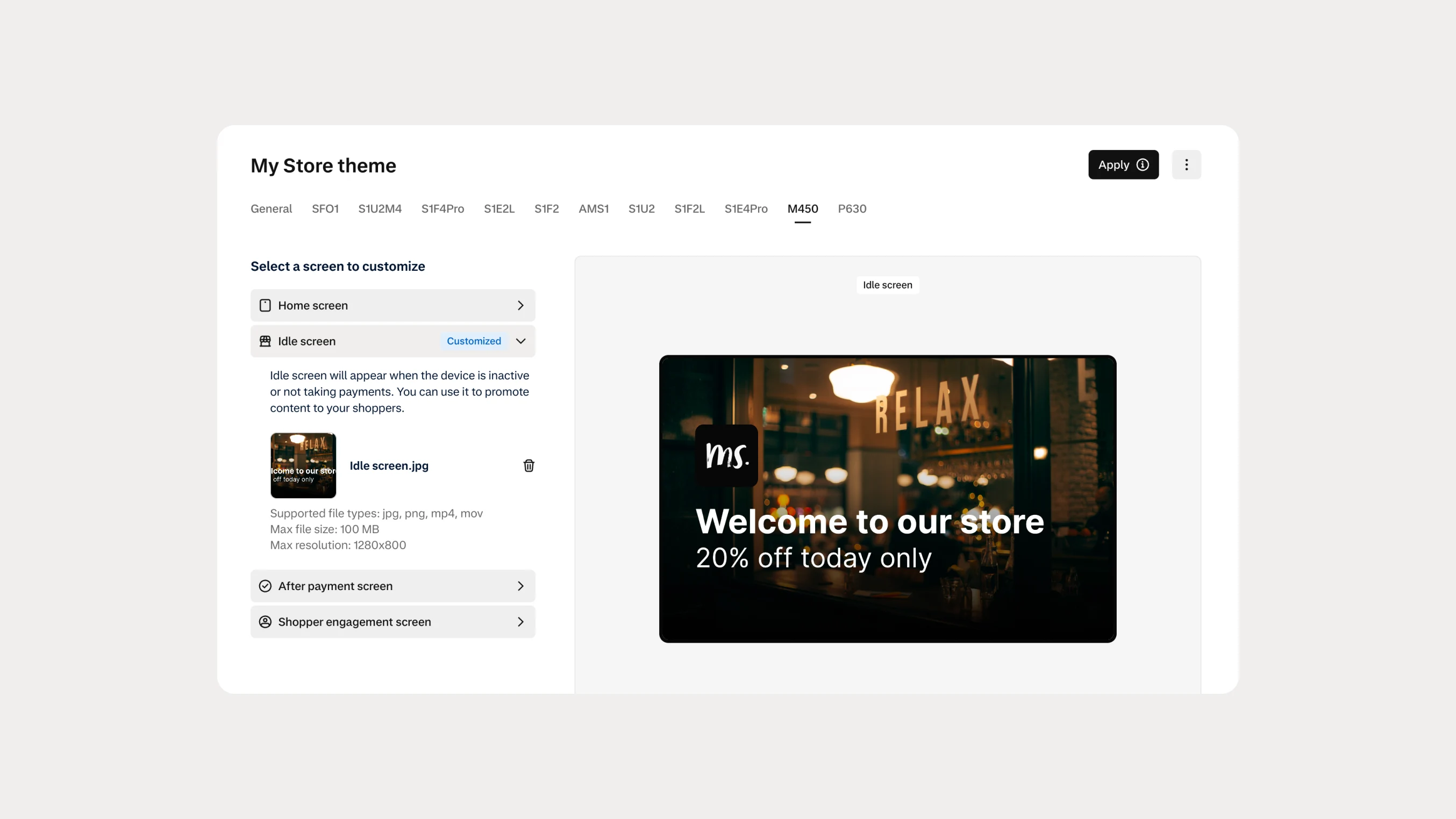
Automate Android terminal branding with Theme Management APIs
You can now use Theme Management APIs to automate branding and screen customization on Android payment terminals. Manage themes across company accounts, merchant accounts, stores, and individual terminals.