Find and manage risk list entries faster
Manage your risk lists more efficiently with improved search, expanded filters, CSV uploads, and bulk deletion in Customer Area. Investigate blocked transactions faster and handle routine list changes yourself.
October 2026
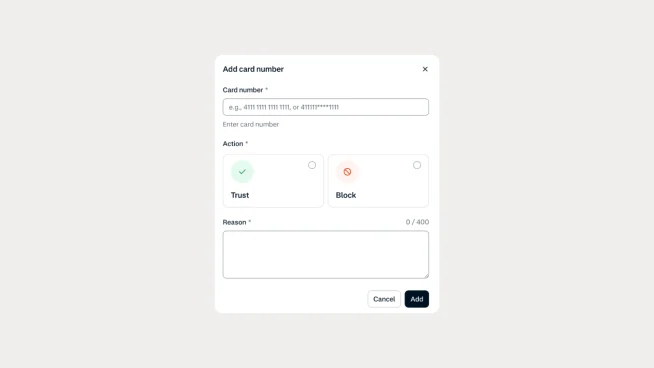
Find the right entries faster
Risk lists in Adyen Protect have been modernized with free-text and partial search, making it easier to find specific entries without an exact match. You can also filter by action, reason code, address details, and IP address to investigate risk decisions more efficiently.
Manage lists with more control
Upload CSV files across all supported default lists, delete multiple entries directly in the UI, and distinguish fraud from non-fraud entries in card number and IBAN lists. If you process Pay by Bank in the US or ACH Direct Debit in the US or Canada, you can also create block and trust entries through Customer Area or the Referrals API.
Manage your risk lists in Customer Area
Log in to Customer Area and go to Risk & disputes > Risk lists > Choose any default risk list and try the new search and filters. Use CSV uploads and bulk deletion to maintain larger lists, and manage Pay by Bank or ACH entries directly if you support those payment methods in the relevant markets.
Latest updates
 Protect
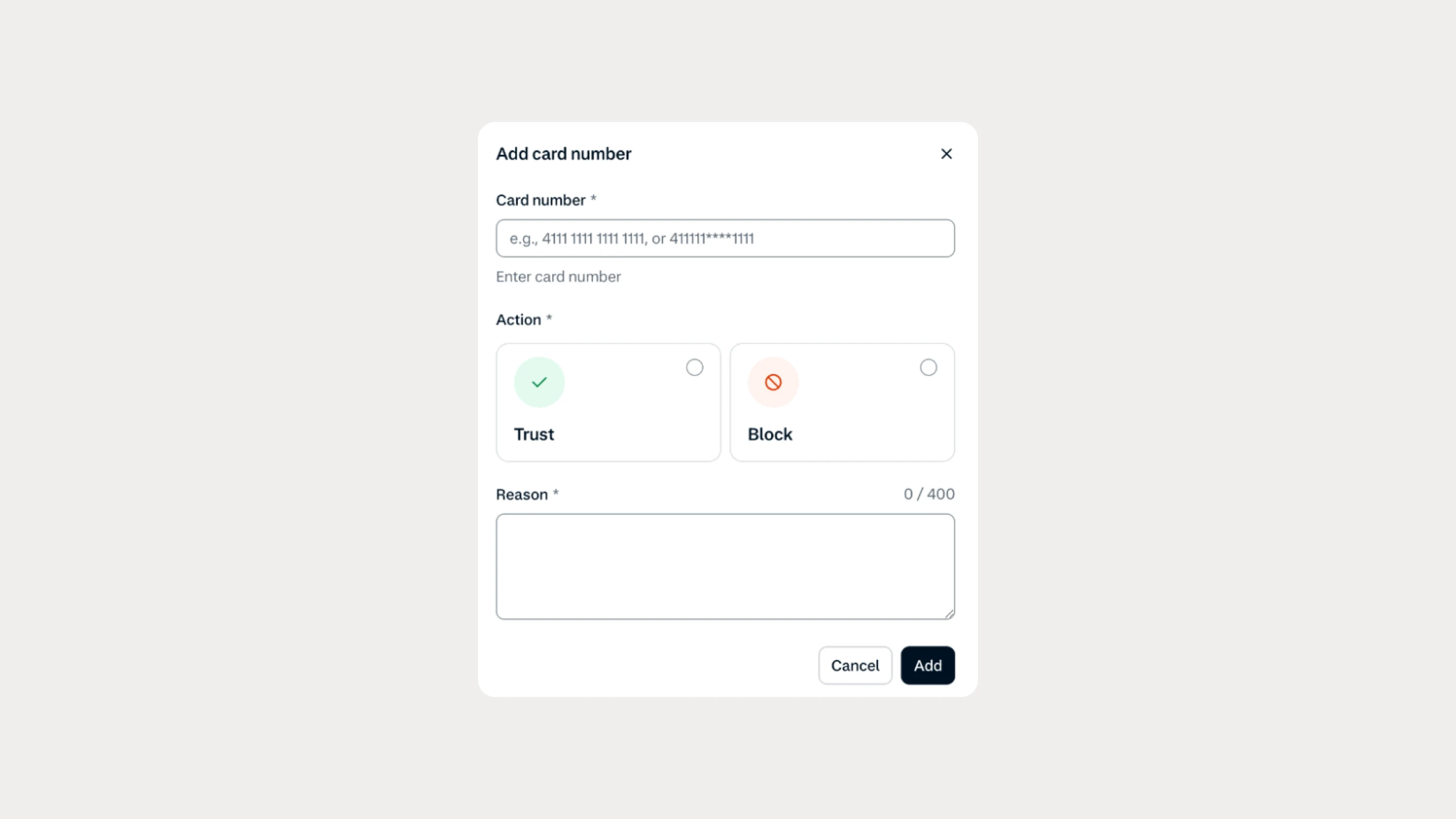
Find and manage risk list entries faster
Manage your risk lists more efficiently with improved search, expanded filters, CSV uploads, and bulk deletion in Customer Area. Investigate blocked transactions faster and handle routine list changes yourself.
 Protect
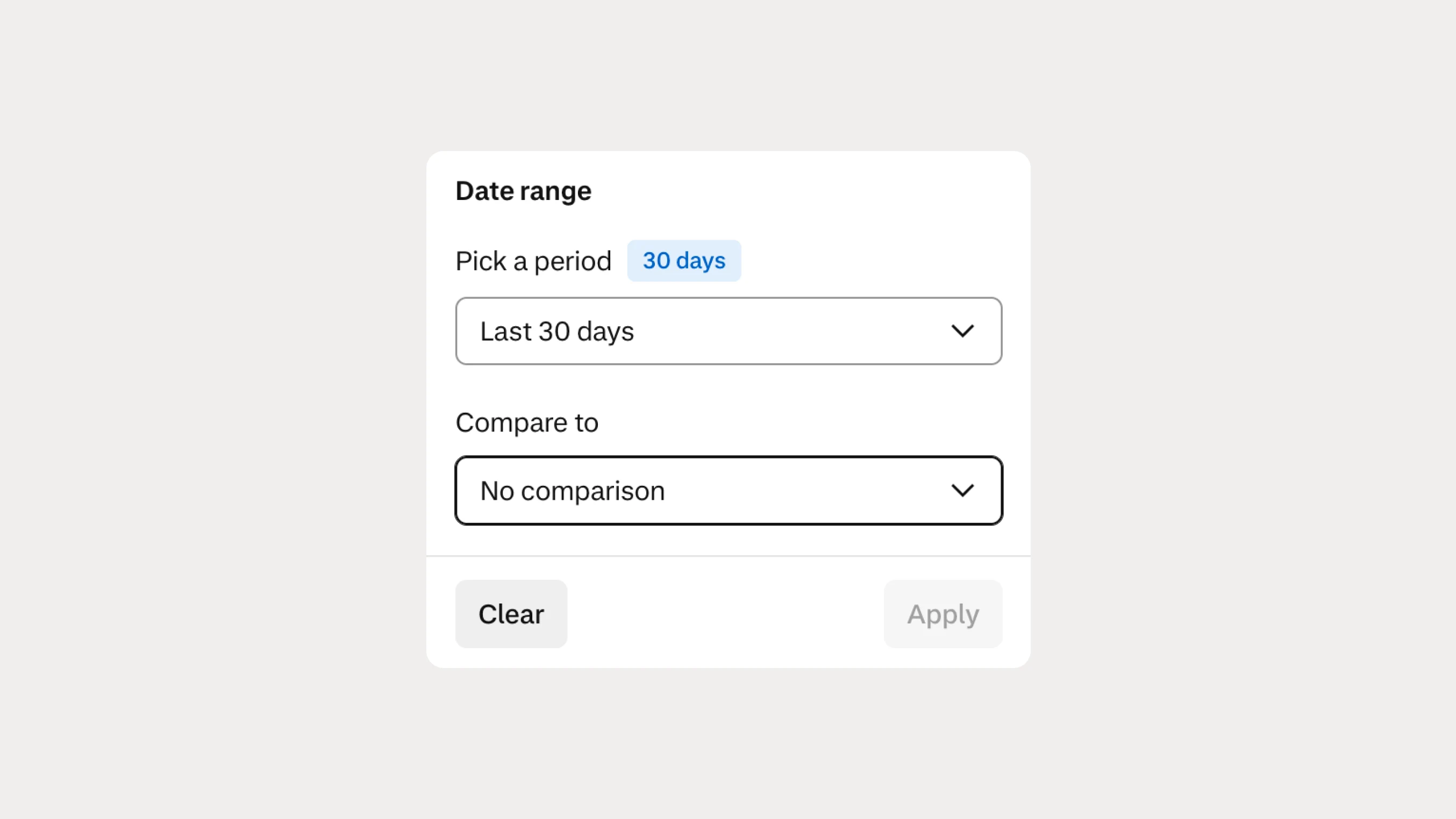
Compare risk and dispute performance across time periods
You can now compare Risk & Disputes analytics across different time periods to identify trends, investigate changes, and make better-informed decisions about your risk operations.