Access all your settings in one place
We’ve centralized all Customer Area settings into a single page, making it easier for you to find what you need, faster.
September 2025

A simpler way to stay in control
All settings-related links are now in one centralized page. This change simplifies navigation, reduces clutter, and makes it easier to find exactly what you need. Each user will see the links relevant to their permissions, creating a more personalized and intuitive experience.
Accessing the new page
You don’t need to make any changes. Just click the “Settings” link in your CA navigation menu to access the new page. From there, you’ll find all your available settings in one place, tailored to your account and permissions.
Latest updates
 Financial products
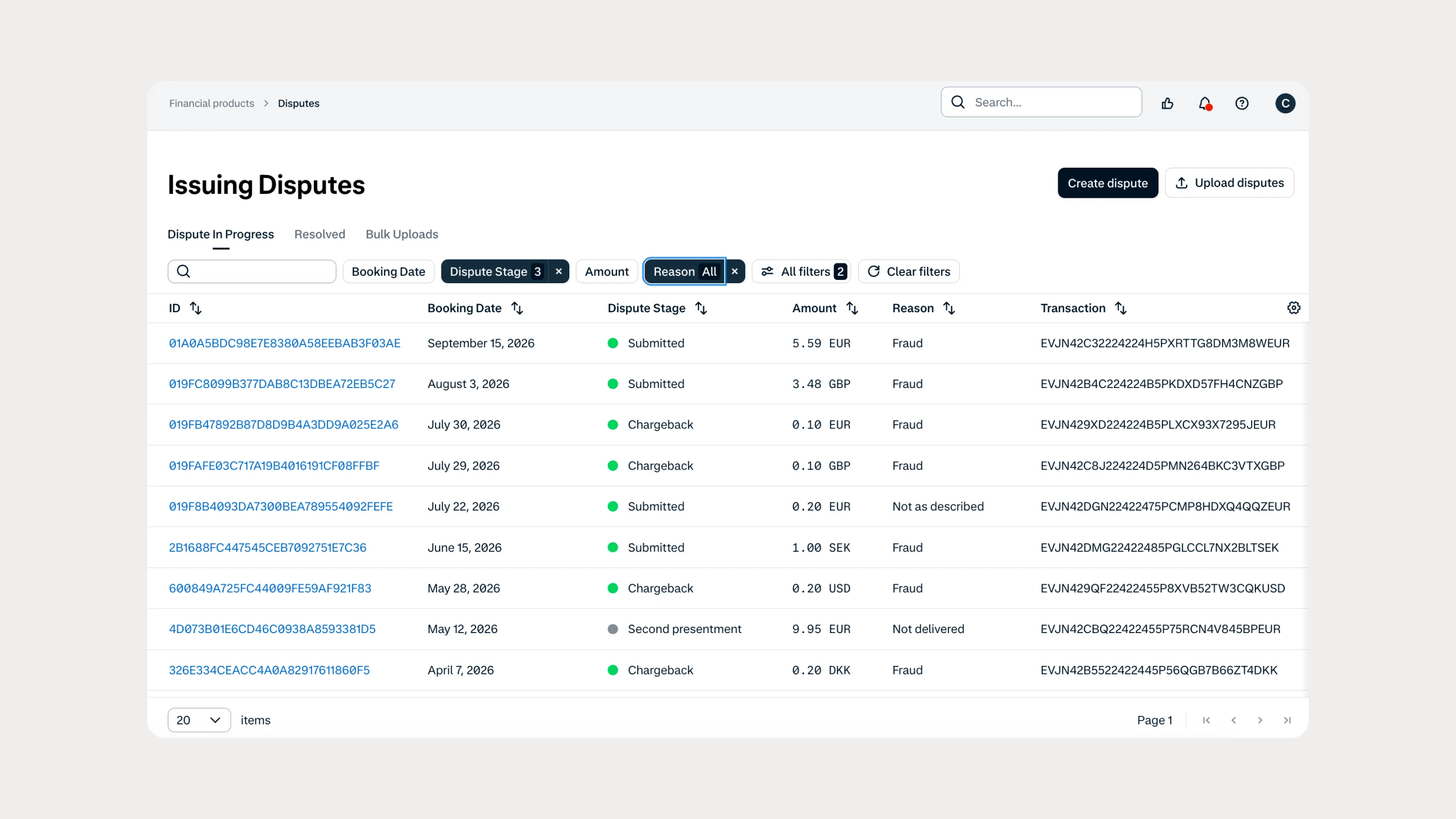
Manage Issuing disputes directly in your Customer Area
Issuing customers can now submit and manage disputes directly in Customer Area, with two new dispute reason codes available through both the UI and API.
 In-person payments
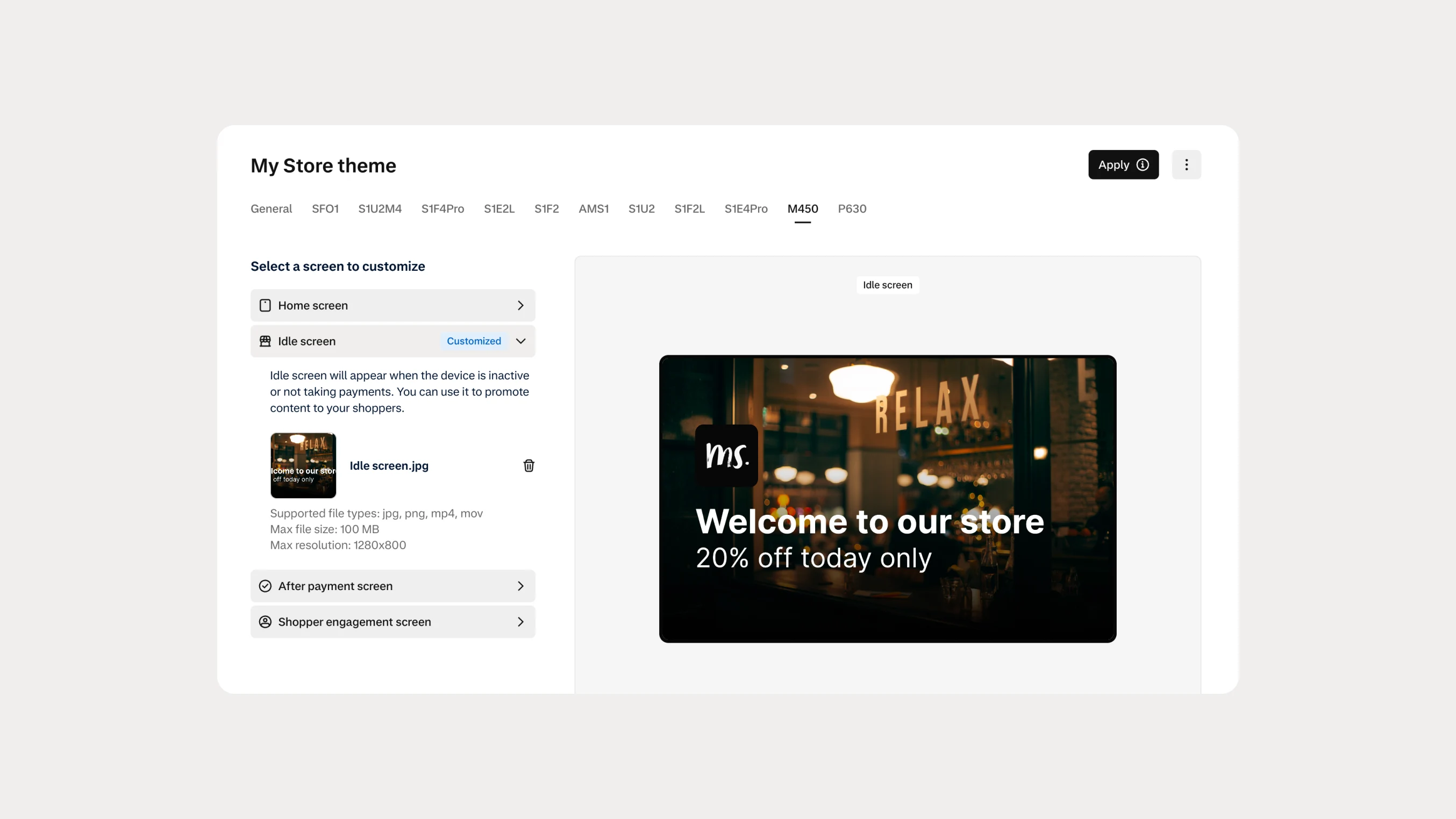
Automate Android terminal branding with Theme Management APIs
You can now use Theme Management APIs to automate branding and screen customization on Android payment terminals. Manage themes across company accounts, merchant accounts, stores, and individual terminals.