Simplify financial reconciliation with our new dashboard
We’ve launched a new financial reconciliation dashboard for Platforms and Issuing customers. It gives your finance team a clear, aggregated view of your Liable Account, reducing manual work and helping you close your books faster.
January 2026

Make financial reconciliation faster and easier
Reconciling your Liable Account activity is a key part of closing your financial books. Until now, that process often meant downloading large reports and performing manual calculations. The new Liable Account Summary Dashboard changes that. It gives you a clear, real-time view of your financial activity, no complex aggregations required.
See your data the way your finance team works
The dashboard presents your Liable Account data in a format that matches your reconciliation process. View consolidated totals, track movement across five clear categories (Commission, Fees, Transfers, and Adjustments), and filter by date range, currency, or balance account. Your finance team can now access aggregated, auditable data directly in the Customer Area, cutting hours of manual effort.
Start using the dashboard today
Access is available to all users with the Balance Platform Base role and Generate/Download Balance Platform Reports role. To get started, log in to your Customer Area, then go to Finance > Liable Account Summary. Use the filters, review your balances, and download only the data you need to close your books quickly and confidently.
Latest updates
 Customer Area
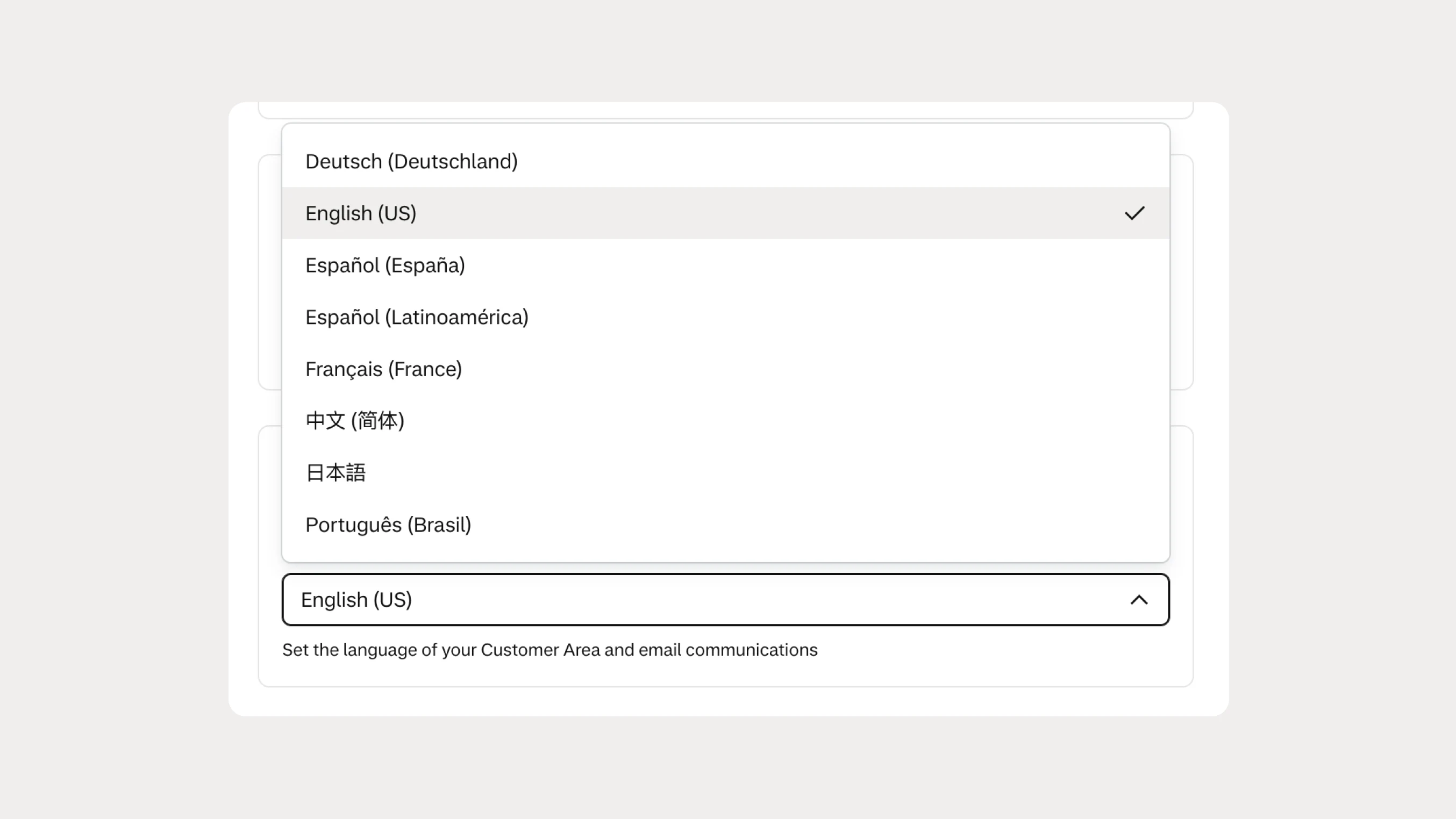
Manage your Customer Area in French, German, or Spanish
The Customer Area is now available in French, German, European Spanish, and Latin American Spanish, making it easier for regional teams to manage their accounts in their preferred language.
 Financial products
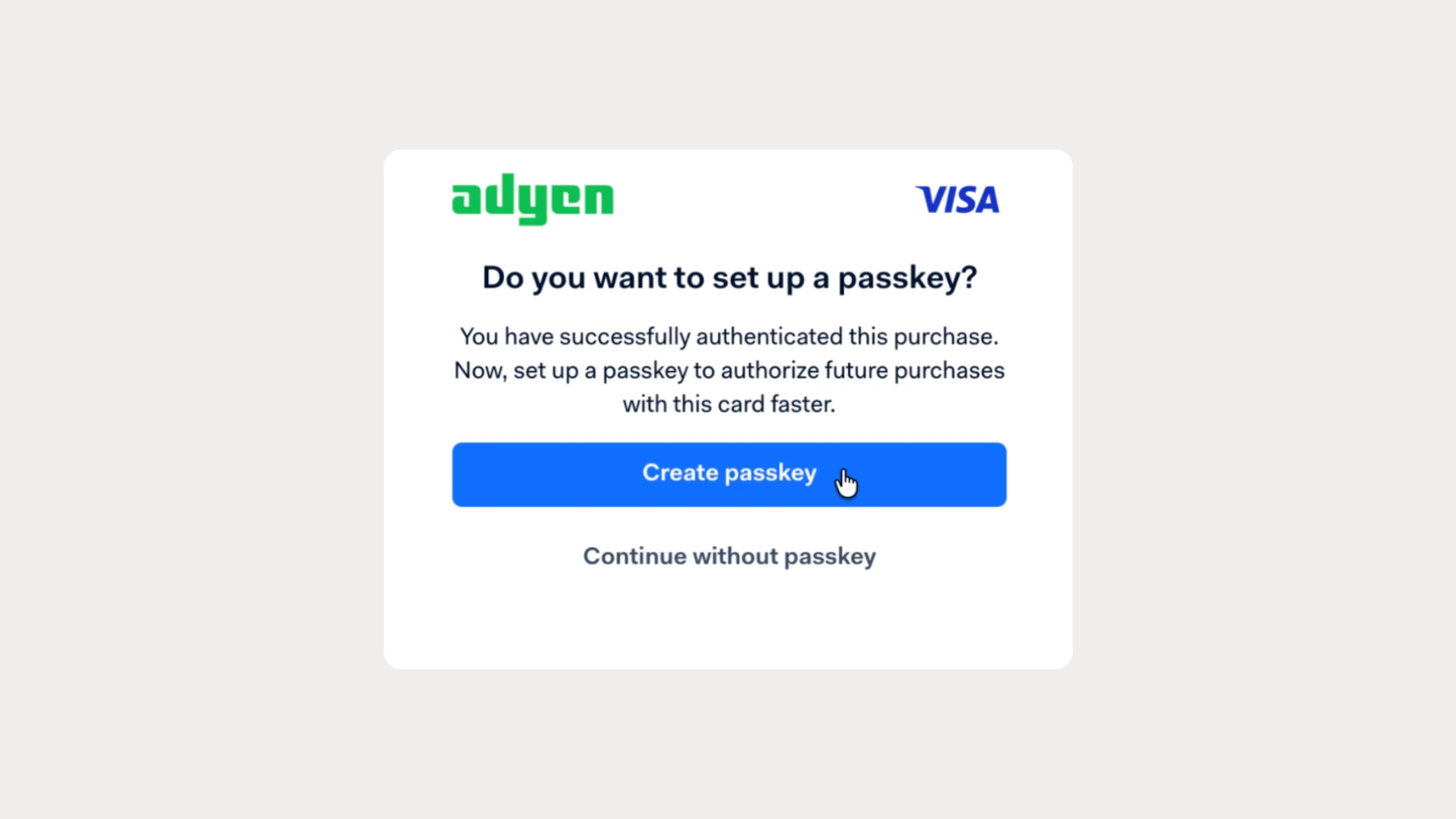
Reduce Issuing authentication friction with Passkeys
Passkeys are now available for Adyen Issuing, letting your cardholders authenticate with biometrics instead of SMS OTPs and passwords. This can reduce authentication drop-off while giving cardholders a faster, more secure experience.