Simpler terminal ordering and reporting in the Customer Area
Assign terminals to stores at the time of order and download detailed order reports directly from the Customer Area, helping your teams reduce manual work and stay in control at scale.
February 2026

Pre-assign terminals to stores during ordering
You can now assign terminals to a store at the moment you place an order in the Customer Area. A new Store assignment field lets you select the destination store upfront, so terminals are already assigned and ready to transact on arrival. This removes the need for manual tracking, post-shipment assignments, or custom processes.
This feature is available to:
Dropshipping Subscribers: All platforms using the dropshipping service for sales or replacement orders. (Contact your AM if you wish to sign up)
Brazil Merchants: All Brazil customers (eligible by default via rental orders).
Replacements: Standard Warranty and Terminal Replacement Service orders.
To get started, log in to the Customer Area, place a terminal order, and select the target store using the new Store assignment field.
Download terminal and accessory order reports
You can also download CSV reports for terminal and accessory orders directly from the Customer Area, without any API integration or manual tracking. Reports include order numbers, device types, serial numbers, and delivery details, helping your finance and operations teams reconcile orders and monitor shipments at scale.
To access reports, make sure you have the Merchant POS Standard and Merchant POS Report roles, then go to In-person payments > Orders and returns or Reports > Point of Sale and generate your report.
Latest updates
 Adyen for PlatformsProtect
Improve fraud detection accuracy with updated Score signals
We’ve updated Score account linking and fraud ring detection to reduce false positives and make investigations easier for your risk teams. The new setup gives you clearer visibility into which entities triggered specific risk signals.
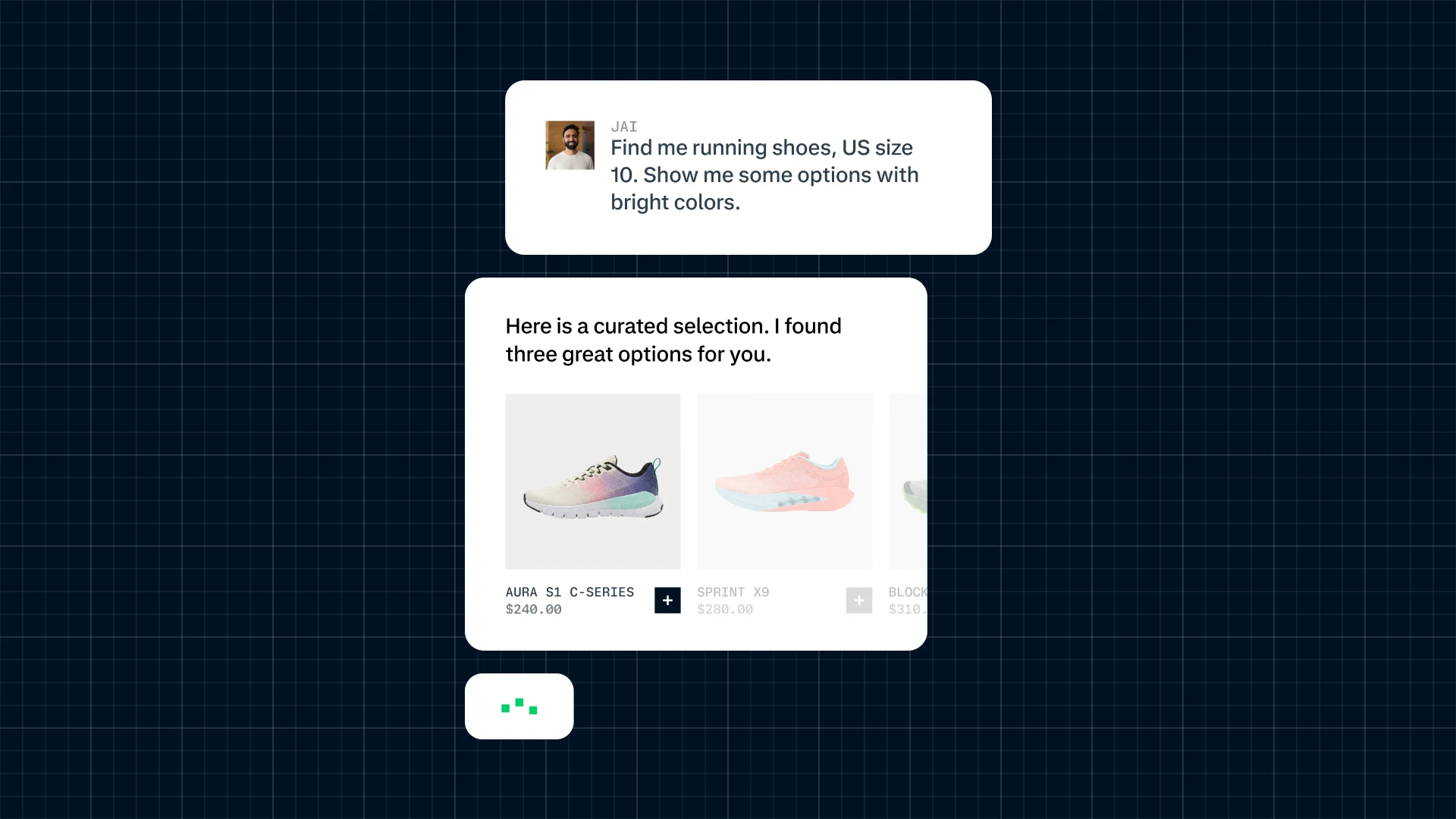
Introducing Adyen Agentic
An open infrastructure layer connecting your platform to the emerging AI ecosystem.